TikTok Live Games That Encourage More Gifts
Games that tie gift-sending to gameplay rewards work best on TikTok LIVE because viewers see an immediate reason to spend coins. Gift battles, comment-controlled games, and leaderboard overlays transform passive watching into competitive engagement. The key is making gifts directly affect the outcome, so each send feels like a vote or power-up rather than just a donation.
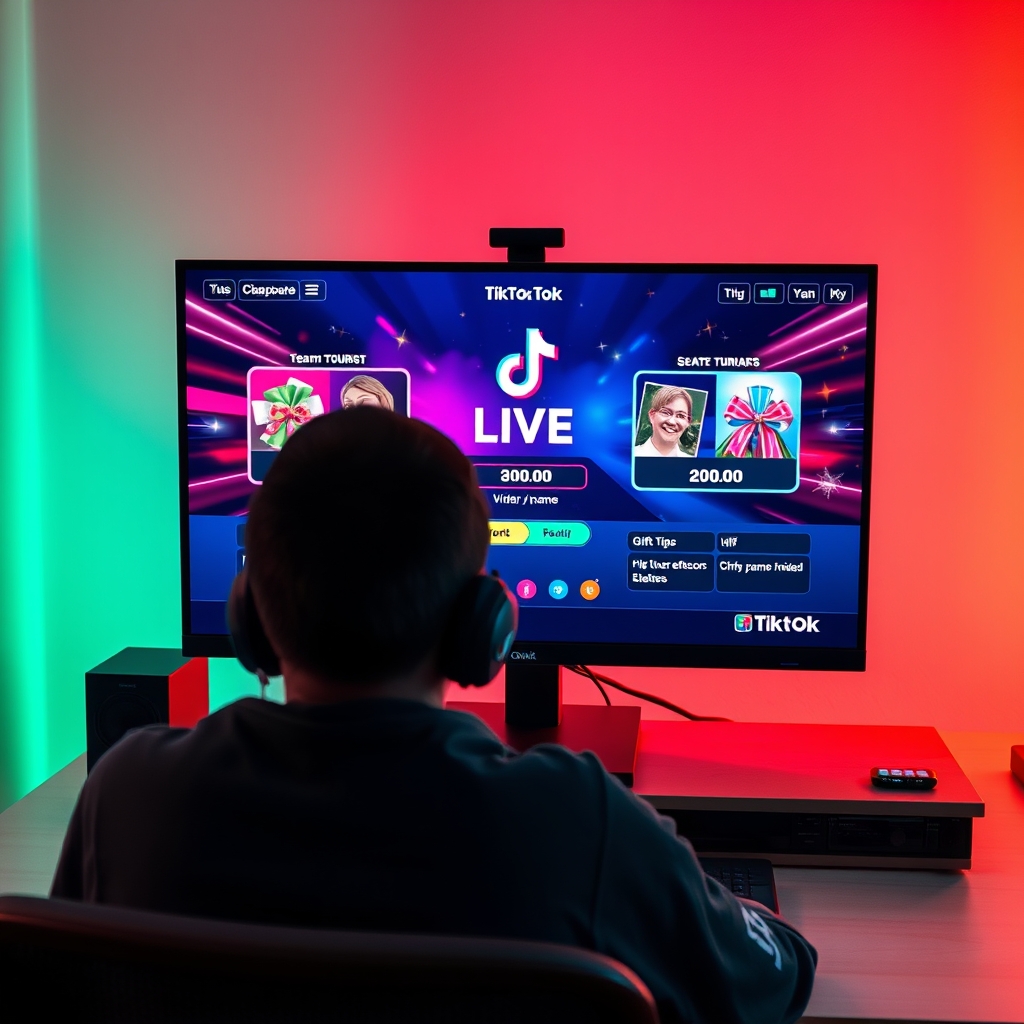
Streamers who want more gifts on TikTok LIVE do not just ask—they build games around the mechanic. When viewers understand that sending a gift levels up a character, triggers an on-screen event, or moves their name up a leaderboard, the gift becomes part of play, not charity.
The difference between a streamer who gets occasional gifts and one who gets steady momentum comes down to game design: which games naturally reward the viewer for spending coins?
What types of TikTok LIVE games encourage viewers to send gifts?
Gift battle games are the most direct way to link viewer spending to game action. In these games, two sides or teams compete against each other, and each gift sent by a viewer adds points, health, power, or another resource to their chosen side. The viewer sees their contribution immediately affect the outcome, which creates a reason to send more gifts and watch the battle unfold in real time. Because the gift value translates directly to in-game advantage, viewers who want their team to win have a tangible reason to participate financially.
Leaderboard-based games reward the top gift senders with on-stream recognition or in-game benefits. A streamer displays a ranking that shows which viewers have sent the most gifts during the session, and the top senders might receive special mentions, avatar highlights, exclusive in-game roles, or the power to control the next challenge. This approach taps into competitive instinct and social status—viewers want to see their name at the top, and they understand that sending gifts moves them up the board.
Dares and challenge games unlock new content or raise stakes when gifts reach a threshold. For example, a viewer's gift might unlock a new task for the streamer to perform, reveal a mystery outcome, increase difficulty, or trigger a bonus round. Because each gift brings something new to watch, viewers feel their money creates novelty rather than simply sitting in a pool. The surprise element—not knowing what the next gift will unlock—encourages more participation.
These three formats work because they close the gap between spending and seeing a result. Unlike passive LIVE streams where gifts are nice but optional, gift-triggered games make spending a visible part of the entertainment. Running these games on your stream requires software that reads gifts from your LIVE room in real time, so the game board updates instantly when a viewer sends.
The strongest streamers often combine formats—a gift battle that feeds a leaderboard, or challenge unlocks that also boost someone's leaderboard rank—because layering rewards keeps the reason to send gifts clear and consistent throughout the broadcast.
How do interactive overlays increase gift engagement during LIVE?
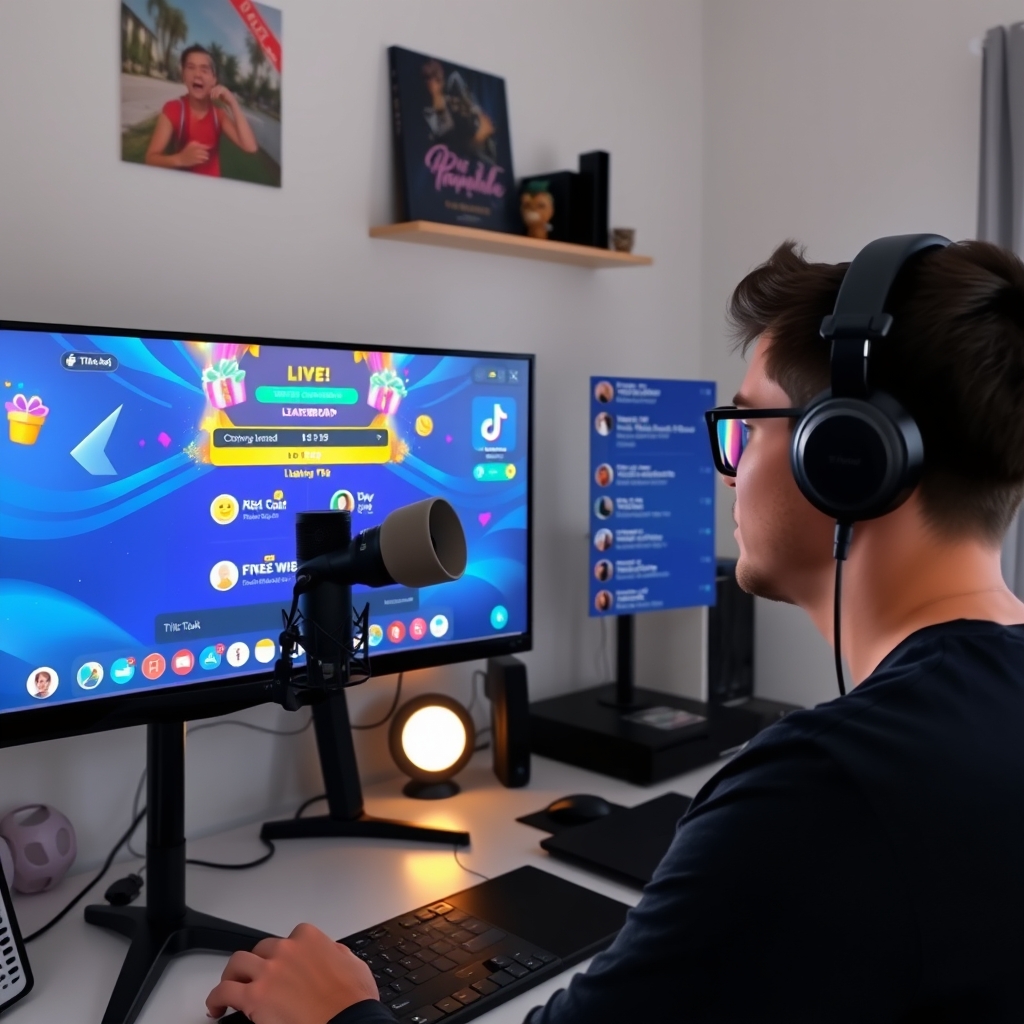
Interactive overlays make every gift donation visible the moment it lands in your LIVE room. Instead of a silent transaction buried in the comment stream, the overlay displays the sender's name, the gift type, and often an animation or sound effect that draws attention to the action. This immediate visual feedback tells the viewer their coins registered, which is a form of acknowledgment that matters. People are more likely to repeat an action when they see proof it worked.
The celebration moment is crucial. When a viewer sends a gift and sees their name appear on screen alongside a burst of color, a character reaction, or a special animation, the gesture shifts from private to public. Other viewers witness the recognition, and the sender experiences a small reward for their contribution. This social proof encourages others to send as well—they see someone else receive this moment of visibility and want the same treatment. Sound effects amplify this further; an audio cue signals to the entire room that a gift just arrived.
Progress bars and gift counters add another layer by connecting individual sends to a shared goal. Instead of each gift standing alone, the overlay might show "10 more gifts until the next tier unlock" or a counter climbing toward a milestone reward. Viewers then understand that their coin spend is part of a group effort. This transforms gift-giving from an isolated act into a team mechanic, which naturally encourages participation because contributors can see themselves moving the needle together.
Overlays also work best when paired with a tool that responds to gifts in real time. When a game or overlay engine reads gifts as they arrive and triggers a response—whether that is a leaderboard update, a character animation, or a counter increment—the connection between sending and seeing becomes instantaneous. This tight feedback loop keeps viewers engaged and reminds them that gifts drive visible outcomes in your stream.
The effect is measurable in viewer behavior. Streamers who run overlays during LIVE sessions report higher gift frequency because the public recognition and visual spectacle remove friction. A viewer does not wonder if their gift mattered; they watch it happen on screen in real time.
Can comment-controlled games work as well as gift-based games?
Comment-controlled games and gift-based games serve different purposes in a LIVE stream, and the answer depends on what you measure as success. Comment games are free to join, so they draw participation from viewers who are not yet ready to spend coins. Gift-based games, by contrast, require viewers to purchase and send gifts, which means they attract a smaller but more committed audience with higher spending intent.
The core difference is financial. When a viewer comments to play, they engage with your stream at zero cost. This builds momentum, creates conversation, and makes the room feel active. However, comments do not generate revenue. Gifts carry real money value—viewers spend coins to purchase them, and you receive diamonds when those gifts land. This transaction signals serious investment from the viewer, not casual participation.
Many successful streamers use a hybrid approach. A comment-controlled game serves as a warm-up activity early in the stream, drawing in viewers and building energy. As momentum grows and the room becomes invested, streamers shift to gift-based games or unlock premium features within comment games that require gifts. For example, a comment game might let anyone play for free, but sending a gift unlocks a speed boost, a special power, or entry into a bonus round. This structure gives casual viewers a way to join while rewarding those who choose to spend.
When comment games work best
Comment-controlled games excel at building engagement metrics and viewer retention. Comment games create consistent interaction and encourage viewers to stay longer because they feel heard and part of the action. Use them during early stream hours, slow moments, or as transitions between higher-stakes gift rounds.
When gift-based games drive revenue
Gift-based games perform better when your audience is already warmed up and emotionally invested in the stream. Viewers who have been watching comment games often feel motivated to escalate their participation by sending gifts, especially if gift-based games offer exclusive outcomes or competitive elements like leaderboards. The key is pacing: lead with comments, reward with gifts.
Which TikTok LIVE game features get the most consistent gift sends?
The games that drive the steadiest stream of gifts share one core trait: immediate, visible feedback. When a viewer sends a gift and watches something change on screen within seconds, they feel the transaction mattered. That direct cause-and-effect loop is what separates games that sit idle from ones that keep gifts flowing throughout your broadcast.
Character or resource mechanics create the clearest feedback loop. A gift heals your on-screen character, restores health, or refills ammunition. A viewer sends a gift worth coins, the character visibly recovers, and the viewer sees their action change the outcome. These mechanics work because they reward the sender instantly and make their contribution tangible. Progress bars that fill toward a goal—whether unlocking the next level, surviving a timer, or reaching a final boss—also encourage repeat gifts, since viewers naturally want to push that bar across the finish line together.
Competitive gift battles add another layer. Two teams, two players, or two choices compete, and viewers send gifts to support their side. Whoever receives more gift value wins the round. This setup triggers both solidarity (viewers back their preferred choice) and mild rivalry (supporters of the losing side often send another gift to catch up). The leaderboard or real-time tally keeps the momentum visible, so viewers always know whether their choice is ahead or falling behind.
Mystery and surprise outcomes also drive consistent sends. A high-value gift might trigger a rare event, bonus round, or special guest appearance that standard gifts do not unlock. Viewers do not know exactly what will happen, so the unpredictability keeps them engaged and willing to test higher-value gifts. The rarity of the event makes it feel earned.
When you add a game to TikTok LIVE with software, these mechanics are easiest to implement through an interactive overlay tied directly to the LIVE room. The moment a gift arrives, the overlay reacts, which is why gift-triggered games outperform comment-only alternatives in consistent sends.
What software or tools let you run gift-triggered games on TikTok LIVE?
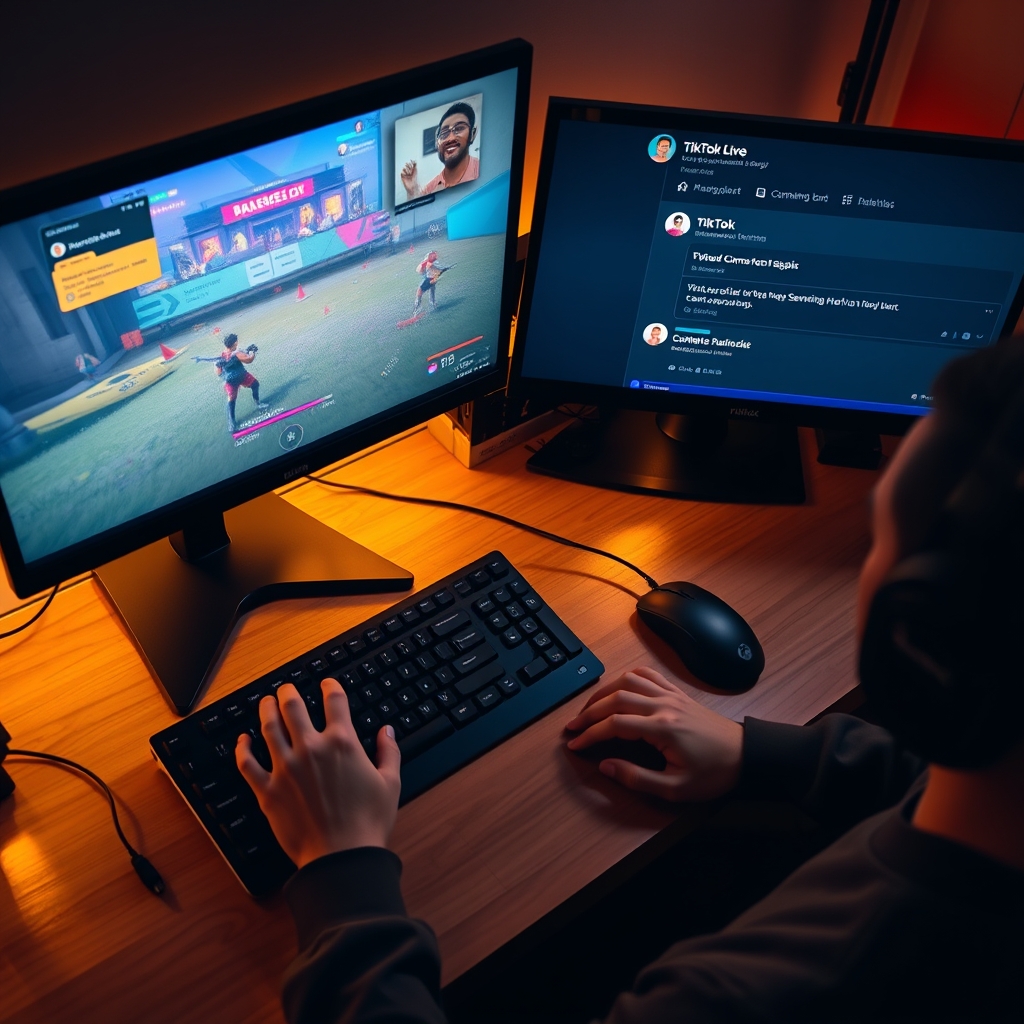
Running a gift-triggered game on TikTok LIVE requires software that can read your live room in real time and respond to viewer actions. Interactive LIVE game platforms like TikGami are built specifically for this purpose. They monitor gifts, comments, and likes as they arrive, execute game logic on a local server, and render the result as a video overlay that appears in your broadcast.
The key difference between a proper interactive game tool and a manual setup is automation. When a viewer sends a gift, TikGami detects it instantly, applies your game rules, and updates the display without you having to do anything. The game appears as a native part of your stream, and viewers do not need to install anything or leave TikTok. They simply watch the overlay react to their own actions and those of other viewers.
If you prefer a custom approach, you can layer a game window into your stream using OBS or other streaming software. This method gives you full control over visuals and layout. However, it requires manual configuration for each scene, and the game itself will not automatically respond to the LIVE room. You would need to trigger updates manually or use third-party integrations to connect your game to TikTok data, which adds complexity and introduces delays.
For streamer who want gift-based engagement without technical setup, an interactive LIVE game platform handles the connection between your room and the game automatically. The software sits between TikTok and your streaming device, reading live events and pushing updates to your video feed in real time. This is the fastest and most reliable way to encourage consistent gift sends, because viewers see immediate, visual feedback for every contribution they make.
If you are building a stream that relies on gift triggers, choosing the right tool determines how smoothly that feedback loop works. A purpose-built platform removes the guesswork and keeps your focus on hosting, while a custom setup offers flexibility but requires ongoing attention to keep the game responsive.
Turn those gifts into a game on screen
TikGami turns comments, likes and gifts into games your viewers control live. Free for macOS and Windows.
Get TikGami freeQuick answers
Do games on TikTok LIVE actually increase the number of gifts?
Games that tie gifts to gameplay outcomes create more sends because viewers see a reason beyond tipping. A gift that levels up a character or moves a leaderboard rank feels like participation, not charity. The metric to watch is not a percentage increase but whether gifts flow steadily during game rounds rather than arriving in isolated spikes.
Can I run a TikTok LIVE game for free?
Yes. Comment-controlled games cost nothing to set up and can run on basic streaming software. Gift-based games that use third-party platforms like TikGami may charge a subscription or flat fee, but the cost is separate from TikTok itself. TikTok LIVE itself is always free to stream.
What happens to the gifts viewers send during a game?
Gifts are purchased by viewers with coins and converted to diamonds for the creator at roughly half the coin value. When a game reacts to a gift send, it does not change the money flow—the diamond credit reaches your account the same way it would without a game overlay.
Do viewers have to download anything to see a TikTok LIVE game?
No. An interactive LIVE game runs on your streaming device and broadcasts to the audience as video, so viewers see the game as part of your normal stream. They do not install software, plugins, or extensions. They simply watch and interact as usual.
Which game mechanic—dares, battles, or leaderboards—works best?
Battles and leaderboards tend to sustain engagement longer because viewers return repeatedly to compete. Dares create peaks of engagement but burn out faster. The best choice depends on your stream length; shorter sessions favor dares while longer streams benefit from leaderboards that keep viewers invested across the full broadcast.