TikTok Live Games: How Streamers Run Interactive Games
TikTok Live games are interactive experiences that respond to viewer comments, likes, and gifts in real time, turning a broadcast into a participatory event. Streamers use overlay software and streaming encoders to layer game logic over their video feed without requiring viewers to install anything. Understanding how these games work and what tools power them helps both content creators and audiences get more from LIVE sessions.
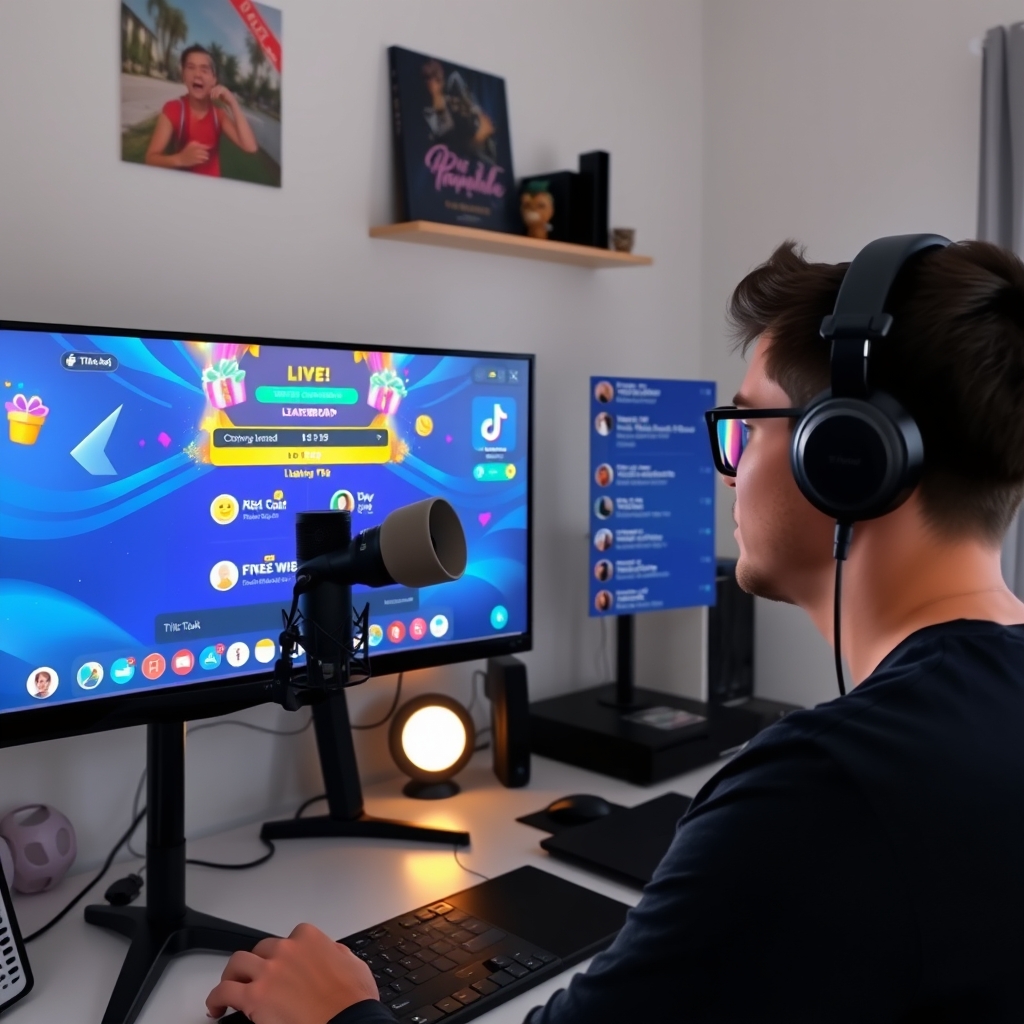
TikTok Live itself does not host built-in games, but streamers can layer interactive game experiences over their broadcast using external software. A viewer sends a comment or gift, the game reacts on screen, and the LIVE room becomes something closer to a multiplayer moment than a passive stream.
What Are TikTok Live Games?
TikTok Live games are interactive experiences that respond in real time to viewer actions during a broadcast. Unlike passive content, these games react directly to comments, likes, gifts, or shifts in viewer count. When a viewer sends a gift, posts a comment, or the room hits a certain threshold, the game logic processes that input and produces an immediate visual result. The streamer sees the outcome unfold on their screen, and the audience watches it all happen as part of the live video feed.
The key difference between TikTok Live games and traditional games is delivery. These games do not require viewers to download an app, install software, or leave TikTok. Instead, the game renders as a video overlay or virtual camera feed that blends seamlessly into the streamer's broadcast. From the viewer's perspective, they are simply watching their host play something interactive. They participate by doing what they already do on Live: sending gifts, typing comments, or watching the room grow.
Interactive games on TikTok Live fall into several common patterns. Comment-controlled games let the audience type commands or make choices that steer gameplay. Gift battles award points or trigger events based on which gift is sent and by whom. Viewer count games reward milestones when the audience reaches specific numbers. Some games combine these mechanics, so sending a gift during a comment phase might amplify its effect, or a rare gift could unlock a bonus round.
The technical side works because streaming software like OBS or TikTok Studio can accept external inputs from game engines or overlays. Tools that power these games read the live chat, gift log, and viewer metrics in real time, then output the result as a camera source or overlay that the streamer broadcasts. This means the game exists on the streamer's device, not on TikTok's servers, but the broadcast itself reaches everyone in the room as standard video.
For streamers, the appeal is straightforward. An interactive game keeps viewers engaged during downtime, gives the audience agency in shaping the stream, and creates moments worth watching and sharing. A gift battle or comment-driven race feels personal and competitive in a way a pre-recorded video does not. A leaderboard that tracks top gifters or most active commenters rewards participation. These elements are why interactive games have become a standard tool for streamers who want their audience to feel part of the action, not just watching from the sidelines. Tools like TikGami make setting up these games faster and more accessible than building them from scratch.
How Do Streamers Set Up Interactive Games on TikTok Live?
Setting up an interactive LIVE game requires three moving parts: software that reads your LIVE room, a game engine that processes viewer actions, and a broadcast tool that shows the result on stream. The process is straightforward once you understand the flow of data.
Start by choosing overlay or game software that connects directly to the TikTok LIVE room API. This software listens to comments, likes, and gifts as they arrive in real time. Tools like this monitor the incoming viewer activity and feed it into your game logic. The software then generates a visual output—a leaderboard, a spinning wheel, a battle screen, or whatever game mechanics you have configured.
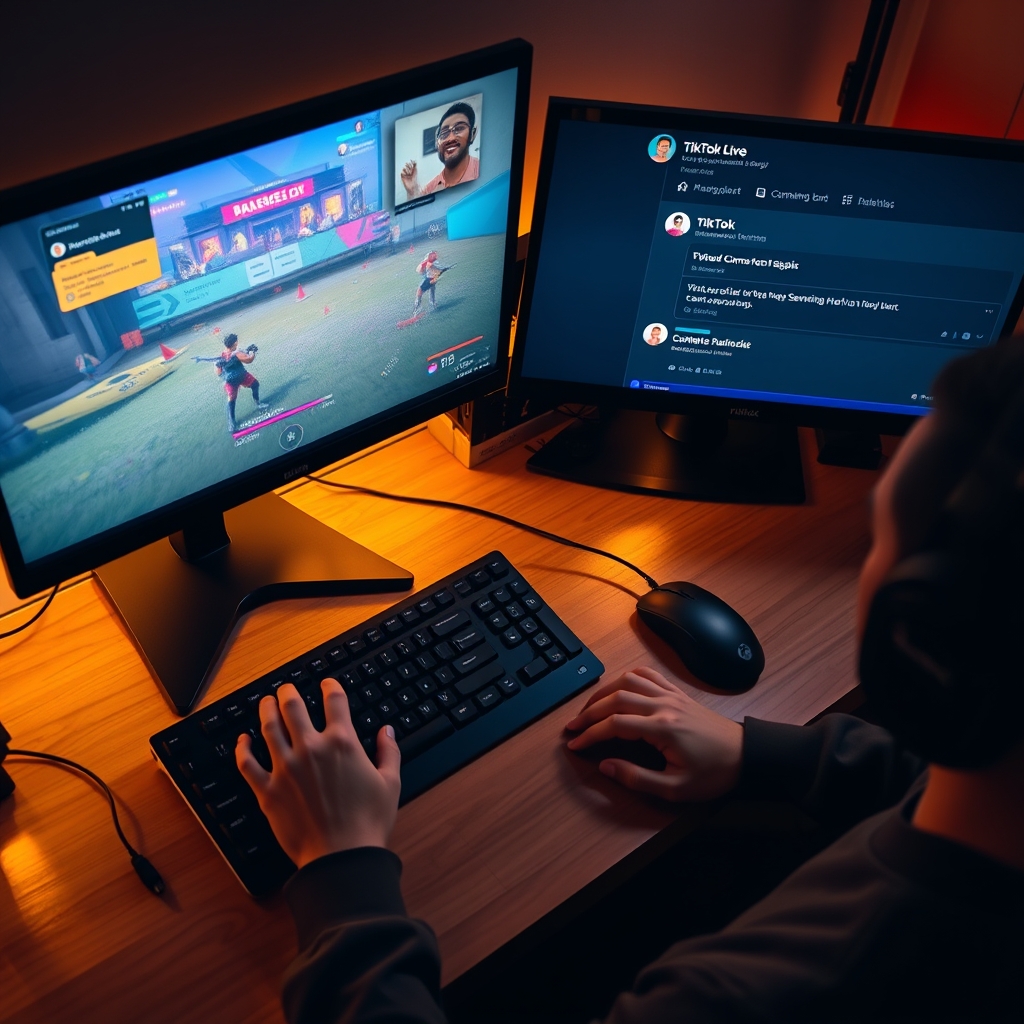
Route that game output into your streaming software as a virtual camera or streaming encoder input. Most streamers use OBS Studio or Streamlabs OBS for this step. You add the game software's output as a new source in your scenes, position it on your canvas, and layer it over your main camera feed. When viewers send comments or gifts during your LIVE, the game responds instantly and updates what they see on screen.
Before going live, configure your game rules carefully. Decide which viewer actions trigger which events: maybe comments move a player forward, gifts spawn a bonus item, or likes boost a multiplier. Set up leaderboard logic so the top contributors are visible. Define reward thresholds if you want certain gift amounts to unlock special game states.
Test the connection and lag before you broadcast to your audience. Send yourself test comments and gifts, watch how the game responds, and measure the delay between action and on-screen update. Real-time responsiveness is what makes these games engaging, so catching lag now prevents awkward silences and broken moments on stream.
What Types of Games Work Best on TikTok Live?
The most successful interactive LIVE games on TikTok fall into a handful of patterns, each designed around how viewers naturally interact with a stream. Comment-controlled games let the audience steer action directly by typing keywords or emotes in real time. A viewer types a direction command, and a character on screen moves accordingly. This creates immediate feedback and keeps the chat actively participating throughout the broadcast.
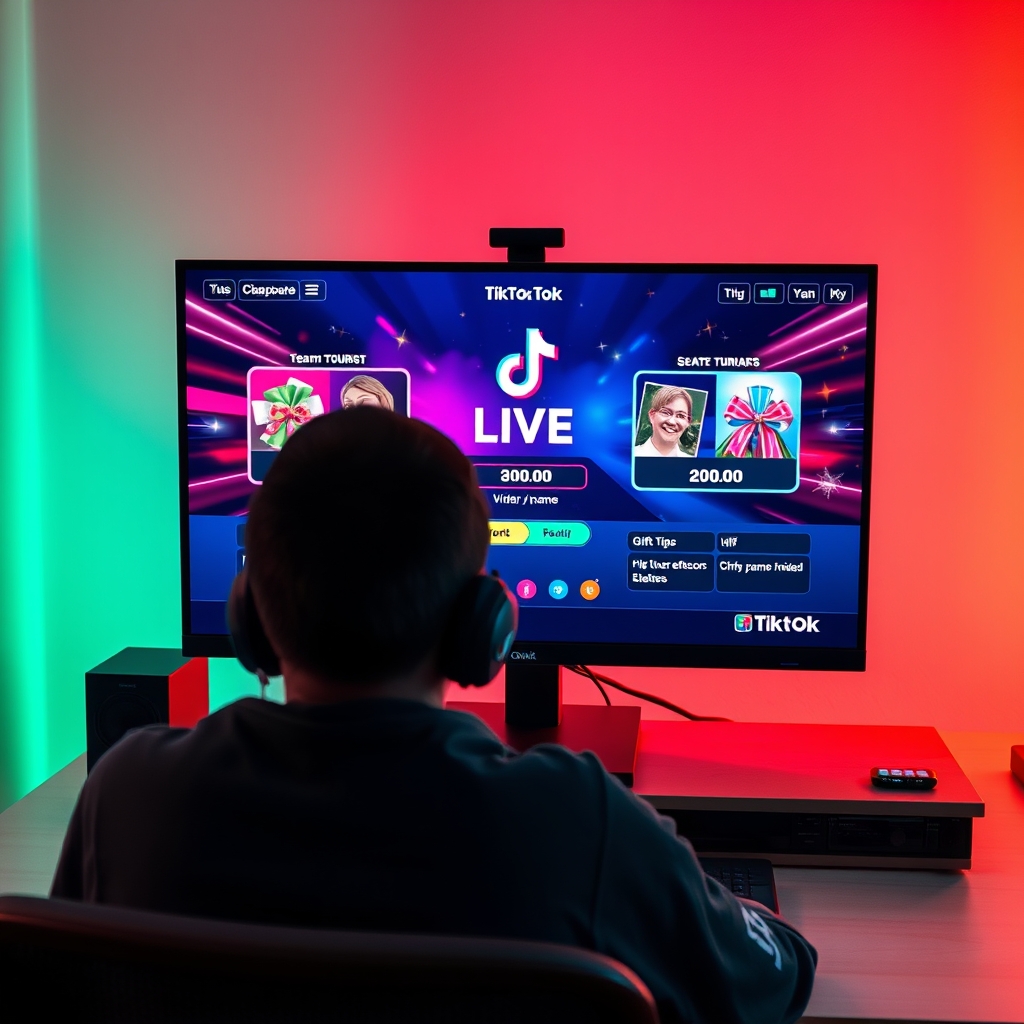
Gift battles represent another core format. Instead of coins or points, gifting strength, value, or frequency determines which team or player wins a round. When viewers send gifts during a battle segment, those gifts register as power for one side or the other. The outcome resolves on screen in seconds, making every gift purchase feel consequential and tied to a live result. This mechanic naturally encourages participation because the impact is visible and tied to viewer choice.
Leaderboards and racing games build scores cumulatively over the entire stream session. Viewer actions—likes, comments, gifts—accumulate for individual players or teams, and progress displays prominently on the overlay. A viewer watching for twenty minutes sees their name climb a ranking, which reinforces the reason to keep watching and keep engaging. TikTok Live Games That Encourage More Gifts often use this format because the slower burn keeps momentum steady.
Prediction and trivia games function differently. Viewers vote or guess an outcome shown on screen, and the game state resolves based on collective choices or correct answers. These work well during natural breaks in entertainment—between songs, challenges, or chat segments—and require no setup beyond buttons viewers tap or keywords they type.
The common thread: all these formats reduce friction. Viewers need no account setup, no app installation, and no prior knowledge. They see a game, understand the rule in seconds, and participate by doing something they already do on LIVE—comment, like, or send a gift.
What Tools and Software Power TikTok Live Games?
Running an interactive game on TikTok Live requires a layered technology stack. The streamer's device handles the broadcast, the overlay platform processes viewer actions, and a connection between them syncs everything in real time. Unlike traditional app-based games, TikTok Live games operate as video overlays that sit on top of your camera feed, so viewers never need to install anything.
The core engine is an overlay platform such as TikGami, which reads the LIVE room data—comments, likes, gifts—and executes the game logic locally. When a viewer sends a gift or types a comment, the platform receives that signal, updates the game state, and renders the result as a video output. This happens in milliseconds. The platform then outputs the game graphics to your streaming software as a virtual camera or video source.
Your streaming software, typically OBS Studio or Streamlabs, manages the layers. It combines your camera input, the game overlay from TikGami, alerts, chat displays, and any other graphics into one final broadcast. You then stream that combined output to TikTok LIVE through the standard TikTok streaming software or hardware encoder. This separation of concerns keeps the game responsive while letting you control the visual presentation.
Behind the scenes, most platforms operate a local server or maintain a cloud connection to process viewer interactions without latency. The connection to TikTok's LIVE API allows the platform to read real-time room events. No complex infrastructure is required on your end; the platform handles the heavy lifting. For viewers, participation happens entirely through the standard TikTok LIVE interface. They comment, send gifts, or like posts as normal, and the game responds to those native actions.
If you want to deepen your understanding of how game software fits into the broader streaming setup, see How to Add a Game to TikTok Live with OBS. For a detailed comparison of overlay platforms, Best Interactive TikTok LIVE Game Software for Streamers breaks down the feature differences and use cases.
Can Viewers Play Games on TikTok Live From Their Phone?
Viewers do not download a separate game or switch to another app. Instead, they participate in the game entirely within TikTok's native LIVE chat interface using their phone. When a streamer runs an interactive game, viewers engage by sending comments, tapping the like button, and sending gifts—the same actions they use for any other LIVE stream. Their phone is the only device they need.
The game's visual output appears only in the streamer's broadcast. Viewers watch the game unfold on screen as the streamer's setup responds to their actions in real time. If a viewer sends a comment and the game reacts to that comment, everyone in the LIVE room sees the result. If a viewer sends a gift and the game tallies it, the effect plays out in the stream for all participants to observe. Mobile viewers see exactly what everyone else sees—they are not excluded or given a different experience.
On the streamer's side, the technical setup is separate from the broadcast device. A streamer might broadcast from their phone or computer, but the game logic typically runs on a secondary device, a local server, or a cloud service that feeds the game's visual layer into the stream via a virtual camera or streaming encoder. This means the game can run smoothly without taxing the broadcaster's main device. Tools like Interactive TikTok LIVE game software handle this orchestration, reading the LIVE room's activity and updating the game state hundreds of times per second.
The result is straightforward: a mobile viewer with TikTok open can comment, gift, and influence the game without any friction. There is no sign-up, no separate login, no app store, no lag between their action and the streamer's game response. Participation happens at the pace of the LIVE chat, and the viewer remains in control of whether and how much they engage. This low barrier to entry is why comment-driven and gift-based games spread quickly in LIVE rooms and why many streamers use them to build deeper interaction with their audience.
Turn those gifts into a game on screen
TikGami turns comments, likes and gifts into games your viewers control live. Free for macOS and Windows.
Get TikGami freeQuick answers
Do I need to download anything to play a game on TikTok Live?
No. Viewers participate by commenting, liking, or sending gifts within the TikTok LIVE room as usual. The game logic and visual output run on the streamer's side. You interact with the game through standard LIVE features only.
Can I stream console games like PS5 on TikTok Live?
Yes, but that is console streaming, not an interactive game fed by viewer actions. You would use a capture card to feed your PS5 output to TikTok via streaming software. If you want viewer participation to affect gameplay, you would layer an overlay on top using a separate tool.
How do streamers make games react to viewer comments?
Overlay or game software connects to the TikTok LIVE API, reads incoming comments in real time, recognizes keywords or commands, and triggers game actions. The software runs on the streamer's device and outputs the game state as a camera feed into their streaming software.
What is the difference between a TikTok Live game and a regular stream?
A regular stream is one-way video. A Live game is interactive: viewer comments, gifts, or likes directly change what happens on screen. The game creates a feedback loop where the audience influences the content in real time, not just watches it.
Are TikTok Live games free to set up?
Some overlay and game tools offer free tiers with limited features, while others charge a subscription or flat fee for advanced features like custom games or leaderboards. TikTok itself does not charge for running a LIVE stream; the cost comes from third-party software if the streamer chooses to use it.