How to Live Stream Games on TikTok: Setup & Best Practices
Streaming games on TikTok LIVE requires a compatible device, streaming software, and an active account with sufficient followers to unlock the LIVE feature. You can broadcast from PC using OBS or TikTok Live Studio, from phone directly through the app, or from consoles like PS5 via capture cards. Building an audience and engaging viewers through interactive elements helps sustain your gaming stream and attract consistent viewers.
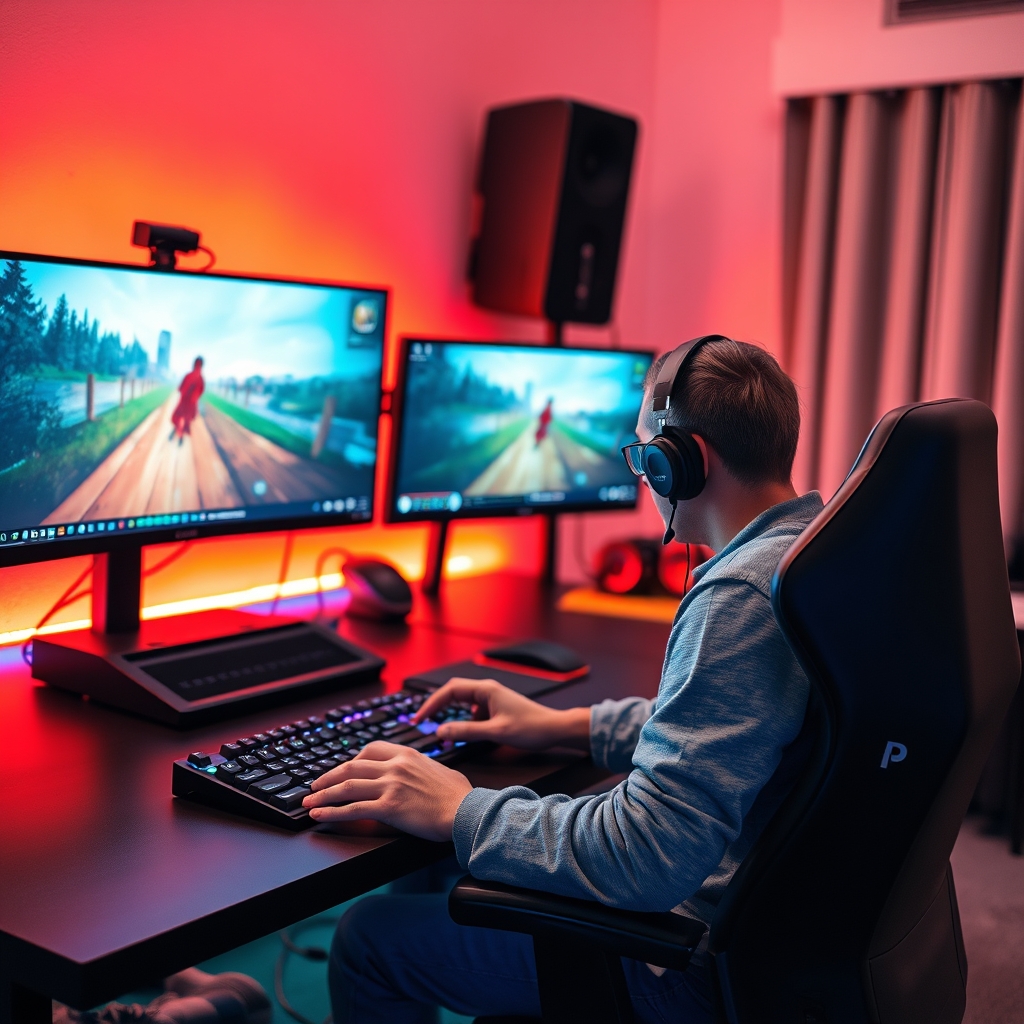
Game streaming on TikTok LIVE puts your gameplay in front of a live audience that can gift, comment, and interact in real time. Unlike pre-recorded content, LIVE streams create urgency and foster immediate connection with viewers.
Do you still need 1000 followers to go live on TikTok?
The short answer is no. TikTok no longer enforces a fixed 1000-follower requirement to access LIVE streaming. However, your account must still meet certain baseline criteria before you can broadcast. The platform requires a minimum account age, typically around 14 days, and full compliance with community guidelines. These thresholds vary depending on your region and account type, so the exact eligibility window differs for creators in different locations.
Creator accounts and verified accounts often unlock LIVE access at lower follower counts than standard personal accounts. If you have converted to a creator account or received verification, you may qualify sooner. TikTok also weighs account history, engagement patterns, and adherence to policies when deciding eligibility. An account with genuine interaction and no violations has a better chance of accessing LIVE features earlier than one flagged for guideline breaches.
If your account does not yet meet the criteria, you have two practical options. First, you can request early access directly through the TikTok app, though approval is not guaranteed. Second, build your follower base and account maturity by posting pre-recorded game clips, clips of your setup, or highlights from other platforms. This approach also helps you test what content resonates with your audience before you go live.
Once you are eligible, the path to streaming games on TikTok opens up significantly. You can start broadcasting directly from your phone or use external software and encoding tools for a more polished setup. For creators serious about interactive gameplay, tools like interactive game software for streamers can help you engage viewers with real-time mechanics during your broadcast.
What devices and software do you need to stream games on TikTok PC?
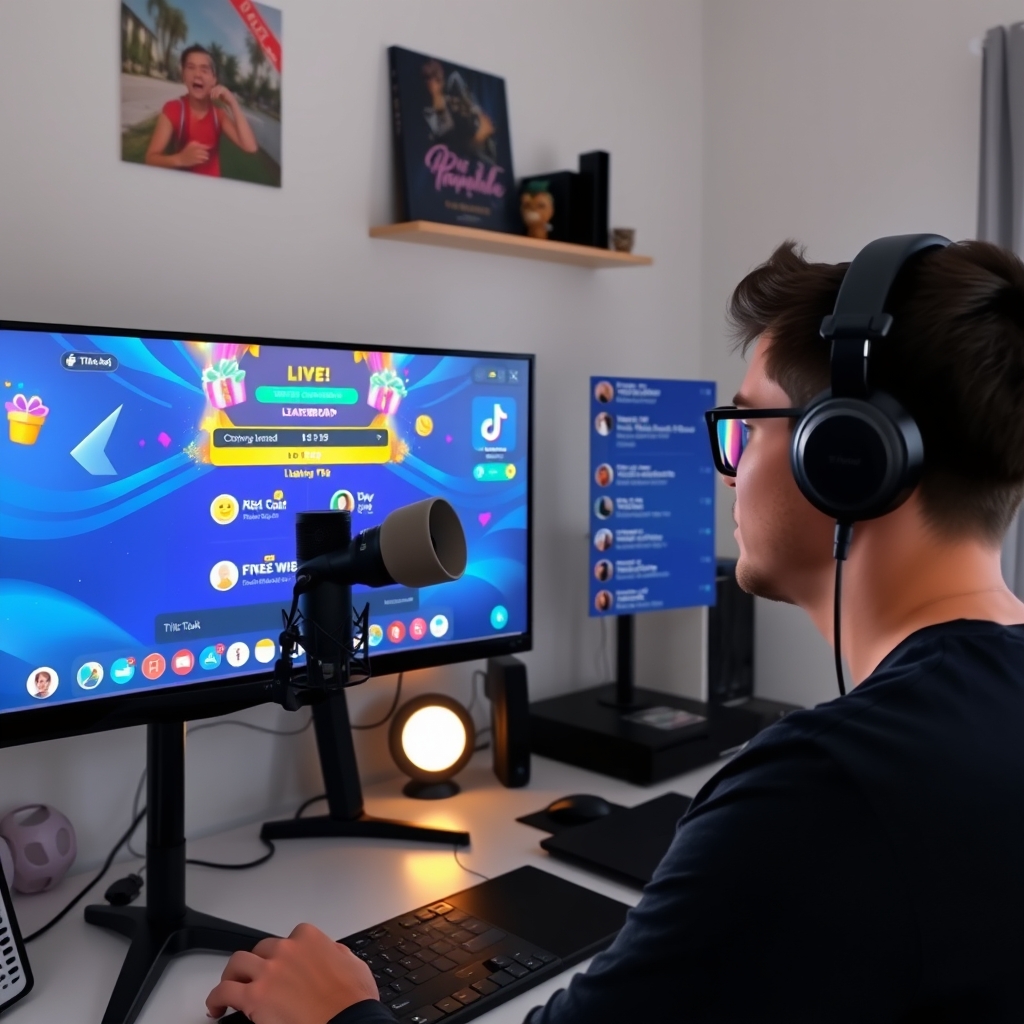
Streaming games to TikTok from a PC requires broadcasting software that connects your computer to TikTok as a streaming destination. TikTok Live Studio is the official option, offering a built-in interface designed for creators. Alternatively, OBS Studio and similar third-party encoders like Streamlabs OBS give you more control over your stream layout, scene management, and multi-source input. Both approaches work equally well; the choice depends on whether you prefer TikTok's simplified setup or the flexibility of a professional-grade broadcaster.
When streaming console games like PlayStation 5 or Xbox Series X, a capture card is essential. This hardware device connects your console's HDMI output to your PC, converting the game signal into a video input that your encoder can read and transmit to TikTok. Popular capture card options range from entry-level to professional grade, depending on your resolution and frame rate needs. Without a capture card, console output cannot reach your PC streaming software.
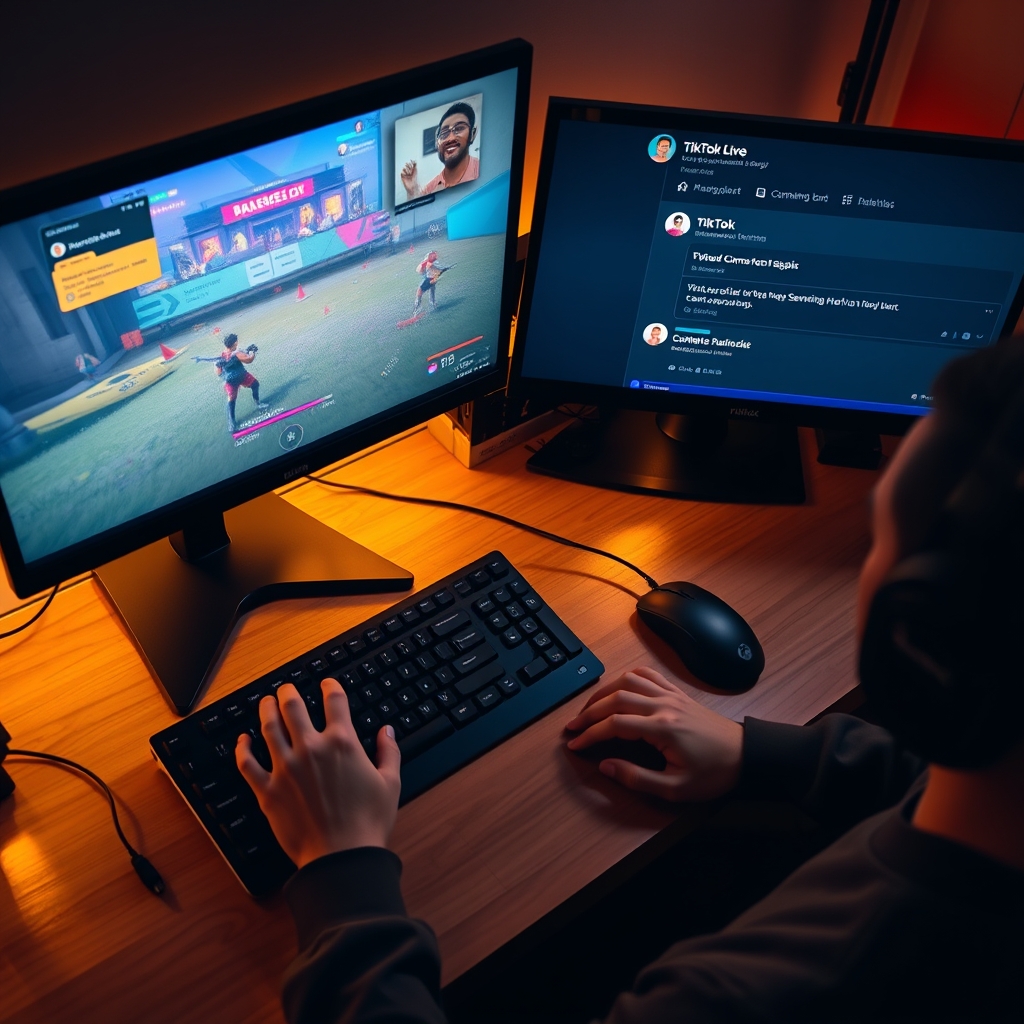
Your PC itself must meet minimum performance standards to avoid lag, dropped frames, or encoder crashes. Ensure you have a stable internet connection—at least 5–8 Mbps upload speed is recommended for smooth 1080p streaming. Your CPU and RAM should handle real-time video encoding; most modern gaming PCs meet this requirement, but older machines may struggle. Additionally, keep a secondary monitor or open a chat window on your primary display so you can monitor viewer comments, gifts, and engagement during the stream without interrupting your gameplay.
Once your hardware and software are configured and your streaming software is pointed to TikTok LIVE as the destination, you're ready to go live. For detailed guidance on integrating games into your broadcast, see how to put a game on TikTok Live Studio.
How to live stream games on TikTok from your phone
Streaming games directly from your phone on TikTok is straightforward if your account meets the platform's requirements. The process begins with opening the TikTok app, tapping the plus icon at the bottom, and selecting Go Live. Not all accounts have immediate access to the Games category—you may need to meet minimum follower thresholds or community guideline compliance depending on your region, but once you qualify, the Games option appears alongside other LIVE categories.
After selecting Games, grant TikTok permission to access your phone's camera and microphone. These permissions are essential for broadcasting audio and video to your audience. Next, add a stream title that clearly describes what you are playing and what viewers can expect. A thumbnail helps, though it is optional for mobile streams. Once these details are set, tap Start to begin streaming directly through your phone's camera feed.
Mobile game streaming works best when you pair your phone with a controller or use screen-mirroring apps that show gameplay on your device screen while your camera captures your reactions. This approach gives viewers both the game action and your live commentary. Single-app gameplay—where you play a game installed on your phone—is also possible, though the viewing experience depends on your phone's screen size and streaming resolution.
To maximize your mobile stream, ensure a stable internet connection, preferably over WiFi, and position your phone or camera for clear visibility. Test your setup before going live to confirm audio levels and video quality are acceptable. Once streaming, engage actively with your chat, respond to comments, and watch for gift interactions that viewers send to support your stream.
- Check that your TikTok account meets eligibility requirements for LIVE, including minimum age, community guideline compliance, and any follower threshold applicable to your region.
- Install and configure your streaming software: TikTok Live Studio for straightforward setup, or OBS Studio if you want advanced control and multiple video sources.
- Connect your streaming software to TikTok by entering your Stream Key from the TikTok Creator Center under the LIVE settings section.
- Test your audio, video, and internet connection with a short trial stream before broadcasting to a wider audience.
- Open your streaming software, set your game window or console capture as the video source, and click Start Stream to go live.
- Write a clear stream title, add a thumbnail image, and share the stream link across your other social media channels to drive traffic.
- Monitor live chat continuously, respond to viewer messages, and encourage gifts and engagement throughout your session.
- End the stream when ready, review your replay settings in the Creator Center, and check your session earnings and metrics.
If you want to run interactive games that react to comments and gifts rather than playing traditional titles, explore tools designed for comment-controlled gameplay. Interactive TikTok LIVE game software can turn your stream into an engaging experience where viewers actively participate through the chat and gift system, adding another layer of interaction beyond watching gameplay alone.
How much money can you make streaming games on TikTok Live?
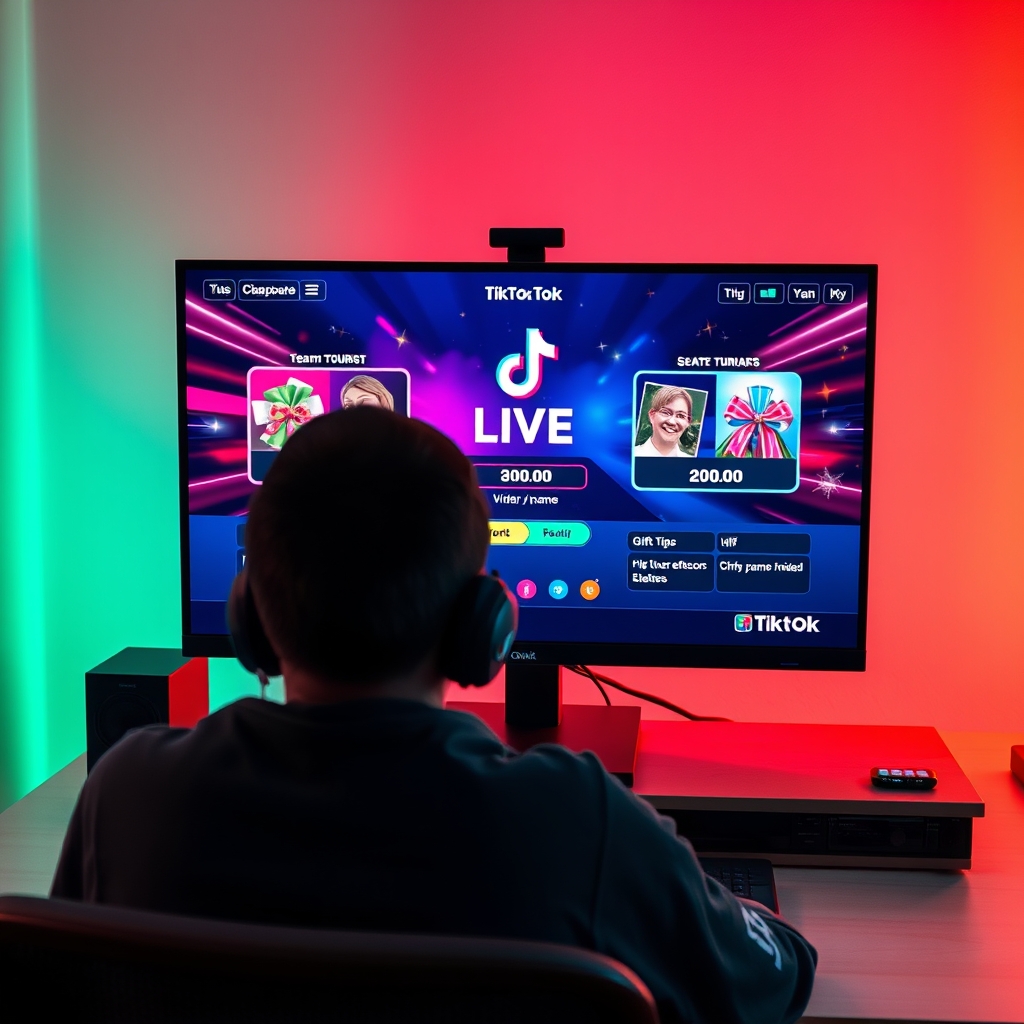
Your earnings on TikTok Live come entirely from viewer gifts. When someone in your audience sends a gift, you do not receive coins. Instead, you receive diamonds, which are TikTok's creator payout currency. The relationship between coins and diamonds is direct: a gift worth a certain number of coins converts to roughly half that value in diamonds, because TikTok retains approximately fifty percent of each transaction. This means if a viewer spends coins on a gift, you see about half of that coin value credited as diamonds to your account.
The diamond-to-cash rate is fixed at approximately USD 0.005 per diamond. This rate does not improve based on your follower count, your total diamond balance, the time of day you stream, or how frequently you go live. Once you accumulate diamonds, you can request a withdrawal to your PayPal or bank account. The payout is not instant; it takes several days to process and is subject to review. Diamonds cannot be used to buy gifts, sent to other creators, or converted into any other form of currency—they exist solely as your earnings unit.
How much you actually make depends on three factors: your viewer count, your audience's engagement level, and how often viewers choose to send gifts. A streamer with fifty active viewers who regularly send gifts may earn considerably more than one with five hundred passive viewers who rarely engage with the gift system. Stream duration alone does not determine income. A two-hour broadcast where viewers send gifts throughout will generate earnings, while a six-hour stream with minimal gift activity will earn less.
The most reliable way to encourage gift-sending is to create an engaging experience. This is where interactive games that reward gift participation become valuable. Games that acknowledge or react to gifts give viewers a reason to spend beyond simple entertainment. Some streamers use comment-based challenges, gift battles, or leaderboards to build momentum around gift-sending, which naturally increases their diamond earnings over time.
Keep in mind that earnings are not guaranteed and vary widely by niche, audience demographics, and how you structure your live content. A gaming stream where you engage viewers and respond to their gifts will typically outperform a passive broadcast where you play alone.
What are the benefits of going live with games on TikTok?
Streaming games on TikTok LIVE creates a fundamentally different dynamic than publishing pre-recorded videos. When you play games in real time, viewers watch decisions unfold unpredictably, react instantly in the comments, and feel part of something happening right now. This sense of immediacy builds genuine connection—your audience knows they can influence the moment, ask questions, and interact with you directly. Repeat visitors return because they know when you stream, they will have a chance to participate rather than simply consume.
TikTok's algorithm treats LIVE streams differently from recorded content. A LIVE session triggers notifications to your followers, gets featured in the LIVE tab, and receives priority in recommendations. New viewers discover your channel through this algorithmic lift, expanding your reach beyond your current audience. The longer your LIVE session holds viewers, the more the algorithm recognizes it as valuable content worth promoting further.
Games and interactive mechanics amplify engagement in ways static streams cannot. When a game responds to viewer comments—drawing a name, reacting to a gift-triggered event, or updating a leaderboard in real time—viewers feel their participation matters. This motivates them to comment more, send gifts, and invite friends into the stream. The game becomes the vehicle for interaction rather than something you do alongside your audience.
Unlike pre-recorded gaming videos, LIVE games also create natural moments for gifts. Viewers send gifts as reactions to exciting gameplay, to support a favorite player in a competition, or to unlock game features they control together. These moments feel organic because they emerge from real gameplay, not forced asks for donations.
If you want to maximize these benefits, consider using software like interactive LIVE game tools that turn comments, likes, and gifts into direct game mechanics. This removes the need to manually respond to every interaction and lets the game itself handle viewer input at scale, keeping your focus on entertaining while the system manages engagement.
Turn those gifts into a game on screen
TikGami turns comments, likes and gifts into games your viewers control live. Free for macOS and Windows.
Get TikGami freeQuick answers
Can you stream games on TikTok without a PC?
Yes, you can stream directly from your phone using the TikTok app if your account is eligible for LIVE. You can also use a console like PS5 with a capture card connected to a PC encoder. Mobile streaming works best with games that support screen-mirroring or controller support.
What is the best streaming software for TikTok game streams?
TikTok Live Studio is purpose-built for TikTok streaming and offers straightforward setup. OBS Studio is a free, powerful alternative that supports multiple video sources and advanced customization. Both connect to TikTok as a streaming destination and work well for game broadcasts from PC.
Do viewers need to download anything to watch a TikTok game stream?
No, viewers watch LIVE streams directly in the TikTok app without installing separate software. They can comment, send gifts, and interact with the stream from their phone or web browser without any additional setup.
How do you increase engagement during a TikTok game stream?
Encourage viewers to comment with game predictions or strategies, respond to comments during gameplay, and acknowledge gift senders by name. Interactive LIVE games powered by tools like TikGami can turn comments and gifts into on-screen challenges or leaderboards, creating more active audience participation.
Can you stream multiple games in one TikTok Live session?
Yes, you can switch between games during a single LIVE stream using your encoding software or phone. Announce each game change so viewers understand the transition. Planning your game rotation beforehand helps maintain viewer interest and prevent technical delays.