Games to Play on TikTok Live With Friends
You can play dozens of games on TikTok Live, from trivia and guessing games to turn-based challenges and viewer-controlled contests. The simplest games require only comments and likes from your audience, while interactive LIVE games use comment-controlled mechanics and gift battles to create real-time competition. Setting up a game takes just a camera, the TikTok LIVE feature, and either basic game rules or dedicated streaming software.

Playing games during TikTok LIVE keeps your stream engaging and gives viewers a reason to stick around longer. Whether you host a casual guessing game or run a structured competition with friends, the format works because it removes the barrier between broadcaster and audience.
What are the easiest games to play on TikTok Live?
The simplest games on TikTok Live require nothing more than your voice and the comment section. Trivia and quiz games are the most straightforward entry point. You ask a question, read it aloud to your viewers, and they type their answers in the comments. Award points to whoever answers correctly first, keep a running tally, and move to the next question. No graphics, no setup, no special tools—just you, a timer, and live interaction.
Guessing games fill dead air naturally and need zero preparation. Ask your viewers to guess a number between one and one hundred, or describe an emoji by giving clues until someone identifies it correctly. You can also play movie-guessing games where you describe scenes and viewers submit guesses in chat. These work because they tap into viewer curiosity and the comment section becomes the game board itself.
20 Questions and Riddle challenges give you full control over pacing while keeping participation lightweight. You pose a riddle or think of a person or object, then let viewers fire questions in the comments to narrow it down. You respond live to each question with yes or no, building suspense as people close in on the answer. Riddle challenges work the same way—you read a riddle, viewers type their guesses, and you keep score as correctly guessed riddles stack up.
The core advantage of all these games is that they depend entirely on the comment section and your voice. You are not juggling overlays, scoreboard software, or integration tools. If you want to layer in more structure later, tools like TikGami can automate scoring and display, but the games themselves run perfectly well on comment-only mechanics. Start with what you have, build confidence, and scale from there.
The key to making these games stick is consistency in explaining the rules and keeping the energy steady as you move through rounds. Viewers who see a clear format—question, answers, points, winner announcement—come back for the next round. Simple games played well beat complex games played clumsily every time.
How can I set up an interactive game on TikTok Live with my friend?
Setting up a game with a co-host is straightforward. Start your LIVE stream normally, then invite your friend to join as a co-host. TikTok allows both of you to appear on screen together, which gives you a natural way to run the game side by side. The key is to agree on the game format and rules before you go live so there is no confusion once viewers start joining.
The simplest approach uses comment-controlled game mechanics. You pick a game—trivia, guess the number, quick decisions, or a turn-based challenge—and ask viewers to vote or respond in the comments. You and your co-host manually track the scores or outcomes as comments come in. This works well for smaller audiences and requires no extra software, just your phones and the TikTok app.
For a smoother experience, consider using interactive LIVE game software designed to read comments and gifts in real time. These tools automatically track scores, display results on your stream, and keep the pace moving without manual effort from you. The game logic runs on your device and reaches viewers as part of your video feed, so they see everything live without installing anything. This approach scales better if your audience grows and removes the friction of manually counting responses.
Quick setup checklist
- Invite your friend as a co-host before or after you start streaming
- Test your audio and video so both of you are clearly visible and heard
- Decide on the game rules and announce them in the first 30 seconds
- Choose manual comment tracking or set up game software beforehand if you want automation
- Have a backup plan if technical issues arise mid-stream
For detailed guidance on running games on stream, see TikTok Live Games: How Streamers Run Interactive Games.
Which games use TikTok gifts and viewer engagement?
The most direct way to blend gameplay with viewer participation is through gift-based mechanics. These games turn the LIVE room itself into an active player pool, where viewers spend gifts to influence the outcome. Unlike comment-only formats, gift games create a tangible economic incentive—viewers know their spending directly shapes who wins.
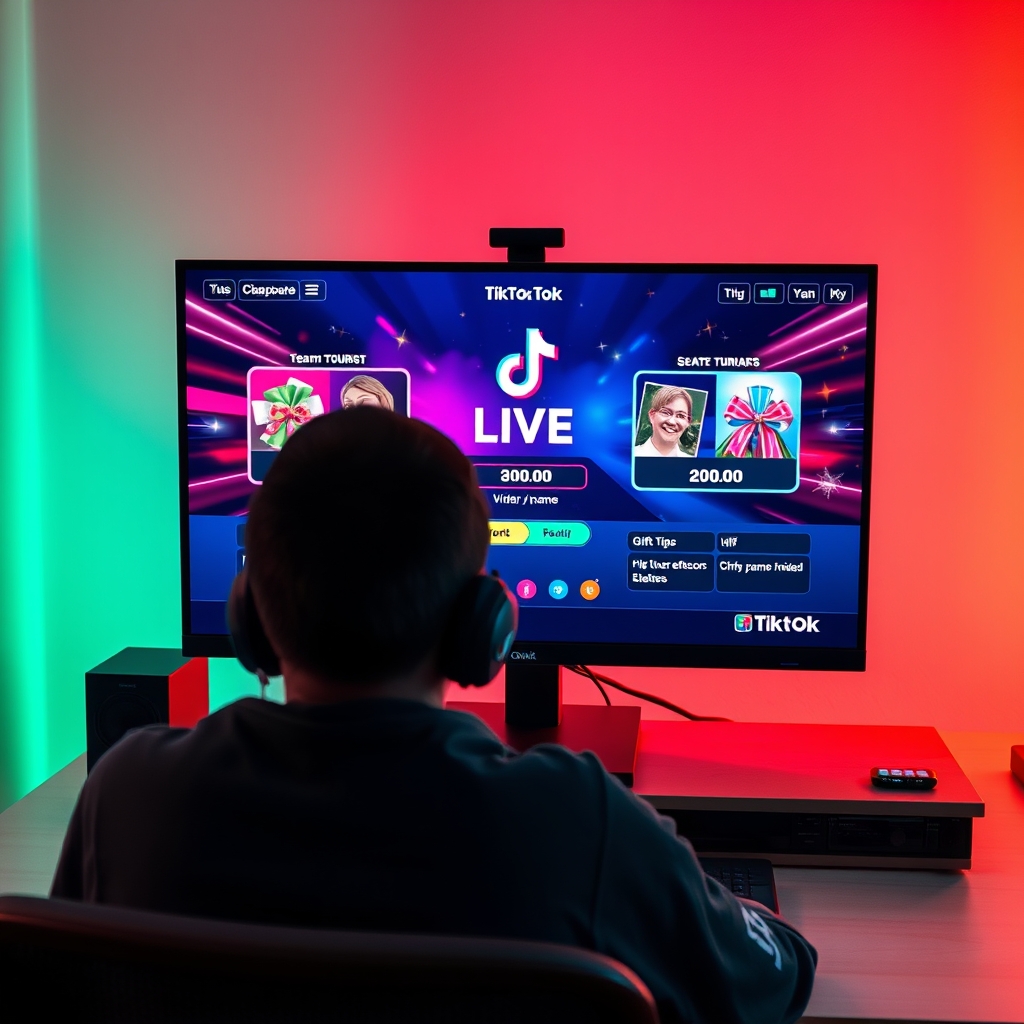
Gift battle games operate on a simple principle: divide your audience into two or more teams, then let gifts determine the winner. Each side accumulates gift value as viewers send donations. The team that reaches a target amount first, or holds the highest total when a round ends, takes the victory. The game reads your LIVE room automatically, tracking incoming gifts in real time and updating the scoreboard without requiring manual input. This seamless integration means you stay focused on commentary while the mechanics run themselves. Viewers appreciate the transparency—they can see exactly how much their contribution moved the needle.
Leaderboard games shift the focus from team-based competition to individual performance. Points are awarded based on how much each viewer spends on gifts, and the top spenders climb a visible ranking displayed on your stream. This format encourages repeat participation because viewers chase higher positions across multiple rounds or sessions. A leaderboard creates natural momentum; early leaders attract attention, which motivates challengers to spend more to dethrone them. The competitive dynamic often sustains itself without you needing to announce prizes—the status itself becomes the reward.
Overlay games represent the technical layer that makes these mechanics possible. Interactive elements appear directly on your stream camera feed, showing live rankings, countdown timers, progress bars, and game state updates. Viewers see everything unfold in real time without installing an app or navigating to a separate interface. Overlays keep the action visible and immediate, which is critical for maintaining momentum during a LIVE session. If you are using streaming software like OBS to broadcast your game, overlays render as a camera source layer, blending seamlessly with your video feed.
The combination of these three elements—gift triggers, leaderboard logic, and overlay display—creates a self-contained ecosystem that feels native to TikTok LIVE. Viewers understand the rules instantly because gifts already exist in their mental model of the platform. Your role shifts to moderating the pace and keeping commentary engaging, while the game mechanics handle the grunt work of tracking and rewarding participation.
Can I play multiplayer games on TikTok Live with my friends?
Yes, multiplayer games work well on TikTok Live when you stream with co-hosts or bring friends into the broadcast. The key is choosing a format that keeps the audience engaged while you and your friends compete or collaborate. Most successful setups fall into three categories: turn-based word games, team-based trivia, and screen-shared gameplay.
Turn-based games like word chains, rhyme battles, or collaborative storytelling are natural fits for co-hosted streams. You and a friend take turns contributing, setting challenges, or responding to prompts while viewers watch and comment. The audience votes on who performed better, creates a leaderboard in the comments, or sends gifts to support their favorite player. These games require no special software and work directly within the TikTok LIVE interface.
Trivia team competitions split your audience into comment-based factions that cheer for different co-hosts. You might assign one friend to represent Team A and another to Team B, then pose trivia questions where viewers comment answers under their team's name or react with emotes. Each co-host can keep a running score, and viewers feel invested because they are backing their chosen streamer. This format builds community and encourages repeated interaction throughout the stream.
Screen-share competitions let you and a friend play an actual mobile or PC game together while TikTok LIVE broadcasts the shared screen. Viewers watch in real time as you race, puzzle, or battle in a game you both install locally. You narrate the action, react to moments, and let the audience comment or gift to celebrate plays. This approach works best when the game has clear winners or exciting moments that make viewers want to engage.
For interactive overlay integration during these multiplayer sessions, consider using interactive game software that layers graphics, timers, or leaderboards over your broadcast without requiring separate apps from viewers.
What equipment or software do I need to run games on TikTok Live?
The absolute minimum setup is straightforward: a smartphone with TikTok installed, a stable internet connection, and a game concept. You do not need to purchase additional tools or software to start playing comment-based games with your audience. Simple guessing games, trivia, or interactive challenges can run entirely through the TikTok app itself, with your phone as the only device involved.
To level up your game experience, consider adding optional tools that enhance how viewers see and follow the action. A virtual camera allows you to layer graphics, leaderboards, and score displays directly into your broadcast without switching between apps. Streaming encoders like OBS give you more control over how your game is presented, letting you blend your gameplay with overlay elements and timers. This kind of visual setup helps audiences stay engaged and understand the rules faster.
Comment-controlled game software automates much of the heavy lifting. Instead of manually reading comments and tallying responses, dedicated overlay or game software reads the LIVE room in real time, tracking comments, likes, and gifts automatically. The software runs game logic on its own, calculates scores, and displays results without you stopping to do math or keep notes. This means you can stay focused on entertaining your audience rather than getting bogged down in behind-the-scenes mechanics.
For streamers who want a structured approach without learning complex setup, specialized tools handle both the game logic and the visual presentation. These platforms integrate directly with your LIVE room and handle viewer interaction seamlessly. Dedicated game software for TikTok LIVE removes the friction of setting everything up manually, so you can launch an interactive game quickly and keep the energy high.
Turn those gifts into a game on screen
TikGami turns comments, likes and gifts into games your viewers control live. Free for macOS and Windows.
Get TikGami freeQuick answers
Do I need special permissions to play games on TikTok Live?
No special permissions are required. Any TikTok account with LIVE access can start a game immediately. If you want to add a co-host, invite them through the LIVE settings and they will appear on your stream alongside you. Interactive overlay features may require a third-party app or encoding software, but basic comment and gift-based games work with just the TikTok app.
Can viewers participate in games if they are not sending gifts?
Yes, most games are free to join. Comment-based games, trivia, and guessing challenges require only that viewers type in the comment section or send likes. Gift-based games reward viewers who send gifts, but you can always include non-gift participation options so everyone stays engaged, such as voting in comments while others compete via spending.
How long should a TikTok Live game session last?
A single game round typically lasts five to fifteen minutes depending on the format. One trivia question might resolve in two minutes, while a gift battle between teams might run for ten. Most streamers run multiple short games in a session rather than one long game, which keeps pacing brisk and gives viewers frequent chances to win or participate.
What makes a game engaging for TikTok Live viewers?
Games that reward active participation, have clear rules, and move at a steady pace hold viewer attention. The best formats let viewers impact the outcome through comments, gifts, or votes within the first few seconds of each round. Games that include your friends as competitors or judges add social entertainment because viewers enjoy watching familiar people compete or interact.
Can I use a pre-built game platform for TikTok Live?
Yes. Interactive LIVE game software like TikGami reads comments and gifts in real time, runs game logic automatically, and displays results as an overlay on your stream. These tools handle scoring, leaderboards, and viewer tracking without requiring you to manage the game manually, so you focus on hosting and engaging your audience while the software keeps the game running smoothly.