Best Interactive TikTok LIVE Game Software for Streamers
Interactive TikTok LIVE game software transforms viewer engagement by converting comments, likes and gifts into real-time games that play directly on your broadcast. The software integrates with your streaming setup through a virtual camera source, requiring no viewer installation while letting your audience participate instantly. Understanding the different feature sets and platform compatibility helps you pick the right tool for your streaming goals.
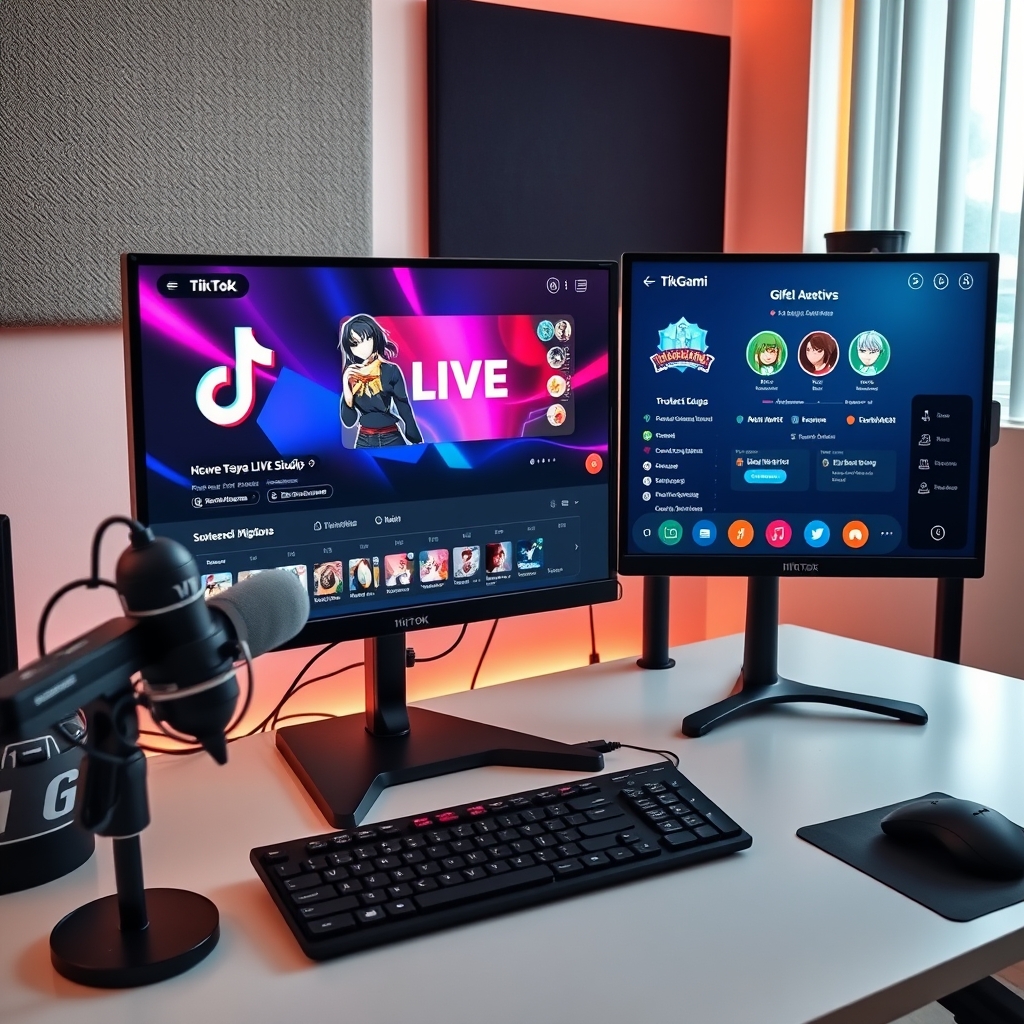
Streamers looking to boost viewer engagement during LIVE broadcasts need more than alerts and overlays. Interactive game software turns the natural flow of comments, tips and reactions into playable mechanics that keep your audience watching and participating.
The right tool integrates seamlessly into your existing stream setup and requires no extra downloads from your viewers.
What is interactive TikTok LIVE game software and how does it work?
Interactive TikTok LIVE game software is a desktop application that sits between your TikTok LIVE room and your broadcast setup, reading the stream in real time and translating viewer actions into playable moments on screen. Instead of games existing separately from your broadcast, this software detects what your audience does—sending gifts, posting comments, tapping the like button—and converts those actions into live game events that trigger immediate on-screen responses.
The core mechanics are straightforward. When a viewer sends a gift, posts a comment, or taps like, the software registers that action as a game event. A gift send might trigger a character to move, a comment could answer a trivia question, or likes could fill a progress bar toward a milestone. These events happen in real time, creating a seamless loop where the audience feels directly connected to the gameplay unfolding in your broadcast.
The software renders the game as a virtual camera source, which you then select in either TikTok LIVE Studio or OBS when streaming to TikTok. This approach means viewers install nothing and do not need a separate app or account—they simply interact with your stream using the tools already in TikTok LIVE. From their perspective, they are just commenting, sending gifts, and tapping like as normal; the software quietly turns those actions into game mechanics on your end.
Critically, all game logic runs server-side within the application, not in the browser. This prevents viewers from tampering with the game through browser console tricks or unfair manipulation. The game state lives on your computer or in the app's backend, not in the viewer's browser, so the integrity of play remains under your control and cannot be compromised by a clever viewer trying to cheat the system.
Can I use interactive TikTok game software on mobile devices?
Interactive TikTok LIVE game software runs on desktop only. The leading platforms in this category, including TikGami, are available for macOS and Windows computers. There is no mobile app for iOS or Android, which means you cannot install or run the software directly on a phone or tablet.
However, this limitation does not affect your audience. Your viewers do not need to download anything or switch to a different device to participate. They play entirely through the TikTok LIVE app on their phones by interacting with the game in real time: commenting, tapping likes, and sending gifts. The game logic runs server-side, so every viewer sees the same game state and results regardless of their device.
You, as the streamer, operate the software from your desktop or laptop. The game renders as a virtual camera source that you select in TikTok LIVE Studio or integrate into OBS. This setup means your broadcast goes out from your computer, while your audience interacts through their mobile devices. The software is compatible with both official TikTok streaming tools and third-party broadcasting software.
If you stream from a mobile device, you would need to use a capture tool or stream from a second device to pull the game feed into your broadcast. Most creators who use interactive game software set up their streaming station on a computer, which gives them more control over overlays, multiple sources, and game settings during the stream.
The desktop-only requirement is standard across the industry for interactive streaming tools. It reflects the fact that game software handles complex real-time logic and multiple simultaneous viewer inputs—tasks that are better suited to desktop processing power and a larger screen for monitoring gameplay.
What types of games are available in interactive TikTok LIVE software?
Interactive TikTok LIVE software offers a diverse range of games that cater to different preferences and engagement strategies. One of the primary categories includes reaction-based games, which are triggered by viewer interactions such as gifts, comments, or like floods. These games create a dynamic and responsive environment, encouraging viewers to participate and influence the game's progression.
Another category encompasses prediction and voting games, where viewers submit their answers or predictions via comments. This type of game fosters a sense of community and encourages viewers to share their opinions, making the experience more engaging and interactive. Additionally, timed challenges are available, where viewers compete against each other based on speed or accuracy, adding a competitive element to the streaming experience.
For streamers looking to create a more immersive experience, progressive games are also available. These games evolve based on cumulative viewer actions across multiple rounds, providing a sense of continuity and progression. The game libraries in interactive TikTok LIVE software are regularly updated with new titles, which are often included in paid plans, ensuring that streamers have access to a fresh and exciting range of games to keep their audience engaged. To learn more about how to integrate these games into your TikTok LIVE streams, you can check out our guide on How to Add a Game to TikTok Live with OBS.
Some of the key features of these games include:
- Customizable game settings to fit your stream's theme and style
- Real-time updates and feedback to keep viewers engaged
- Integration with TikTok LIVE's commenting and gifting system
- Support for multiple game modes and difficulty levels
Game Examples
Examples of games available in interactive TikTok LIVE software include trivia games, puzzle games, and strategy games. These games can be played individually or in teams, and can be tailored to fit the streamer's brand and audience. With the variety of games available, streamers can experiment with different formats and styles to find what works best for their audience.
How does interactive game software connect to TikTok LIVE and OBS?
Interactive game software works by running as a desktop application that creates a virtual camera source. This virtual camera is recognized natively by both TikTok LIVE Studio and OBS, meaning you select it just as you would any physical webcam or capture device. The game itself renders through this virtual camera, allowing your audience to see it overlaid on your broadcast without any special configuration or plugin installation.
The connection to TikTok LIVE happens through direct API communication. Once you have the app running and your TikTok LIVE room active, the software monitors your stream in real time, detecting viewer comments, gift sends, and likes as they arrive. These interactions trigger game events instantly—a viewer might comment a keyword to play a round, send a gift to unlock a challenge, or tap the like button to score points. The game logic processes these actions server-side, ensuring no tampering can occur from the browser.
For OBS users, the integration is equally straightforward. Add the game to TikTok Live with OBS by selecting the virtual camera as a source within your scenes. This allows you to layer the game alongside chat overlays, alerts, sponsorship banners, and other custom elements without conflicts. You maintain full control of your scene layout, and the game updates live as viewers interact.
Setup requires no account linking or third-party OAuth permissions beyond what you already grant TikTok LIVE when you go live. The app communicates directly with TikTok's system using your existing room credentials, making the entire process transparent and secure. Once configured, the game source stays active for as long as your stream runs, updating automatically with each new comment, gift, or like from your audience.
Is free interactive TikTok game software available?
Yes, most interactive TikTok game platforms offer free tiers that let you test the service without paying upfront. A free plan typically includes a limited selection of games and core features, enough to run a functional game session in your stream. This is useful if you want to try the basic workflow before deciding whether to upgrade.
Beyond the free tier, most platforms provide a free trial period lasting several days. During the trial, you get full access to the complete game library and all premium features. This lets you experience the entire game store and understand what each subscription tier unlocks before committing any money. The trial period is long enough to run multiple live sessions and test different game types with your actual audience.
Paid monthly subscriptions unlock the complete game store, regular game updates, and priority support. Specific plan names, game counts, trial lengths, and pricing vary by platform and change frequently. Rather than citing numbers that may be outdated, check the pricing page of each platform directly to see current offers.
Free options do come with trade-offs. Sessions may have time limits, watermarks on the overlay, or restrictions on how many viewers can play simultaneously. These constraints are reasonable incentives to upgrade, but they do not prevent you from running a real game in your stream right away.
When comparing platforms, test both the free tier and the trial to see which interface feels natural to your workflow. TikGami and TikFinity both offer free trials; TikGami in particular gives you access to the full game store during the trial so you can evaluate the breadth of options before any payment.
Turn those gifts into a game on screen
TikGami turns comments, likes and gifts into games your viewers control live. Free for macOS and Windows.
Get TikGami freeQuick answers
Do viewers need to download anything to play interactive TikTok games?
No. Viewers play entirely within the TikTok app by commenting, tapping likes and sending gifts. The game software you run on your desktop detects these native TikTok actions and triggers game responses on your broadcast. Your audience sees the game overlay on your stream but takes no extra steps to participate.
What's the difference between interactive game software and alert tools?
Alert tools respond to gifts or follows with sounds, animations or text notifications. Interactive game software uses those same viewer actions as input for actual games with rules, rounds and outcomes. Games involve audience decision-making and competition, while alerts simply confirm that an action happened. Some streamers use both for different purposes.
Can I use interactive TikTok game software with streaming software other than TikTok LIVE Studio?
Yes. Most tools provide a virtual camera source compatible with OBS, Streamlabs OBS and similar software. You select the virtual camera as your video input just like any other source. This flexibility lets you build custom layouts and layer games with other overlays in your scene.
How do streamers make money using interactive TikTok game software?
The software itself is not a revenue tool. Streamers earn from TikTok LIVE through viewer gifts, which viewers buy with coins and send to the creator. Interactive games increase engagement and watch time, which encourages more gift sends. The software motivates participation but does not alter how TikTok pays creators for gifts received.
What should I look for when choosing interactive TikTok game software?
Check platform compatibility with your setup, whether the game library matches your audience and content style, ease of integration with OBS or TikTok LIVE Studio, and whether the pricing model fits your budget. Test the free trial first to see how games perform in your actual LIVE room before subscribing.