TikTok Live Games Where Viewers Play With Comments
Comment-controlled games on TikTok Live let your viewers participate by typing in the chat, triggering game events and outcomes in real-time. The game reads comments, likes, and gifts directly from your LIVE room and reacts instantly—no downloads or setup needed from the audience side. Tools like overlays and interactive software make it simple to run these games without leaving your streaming setup.
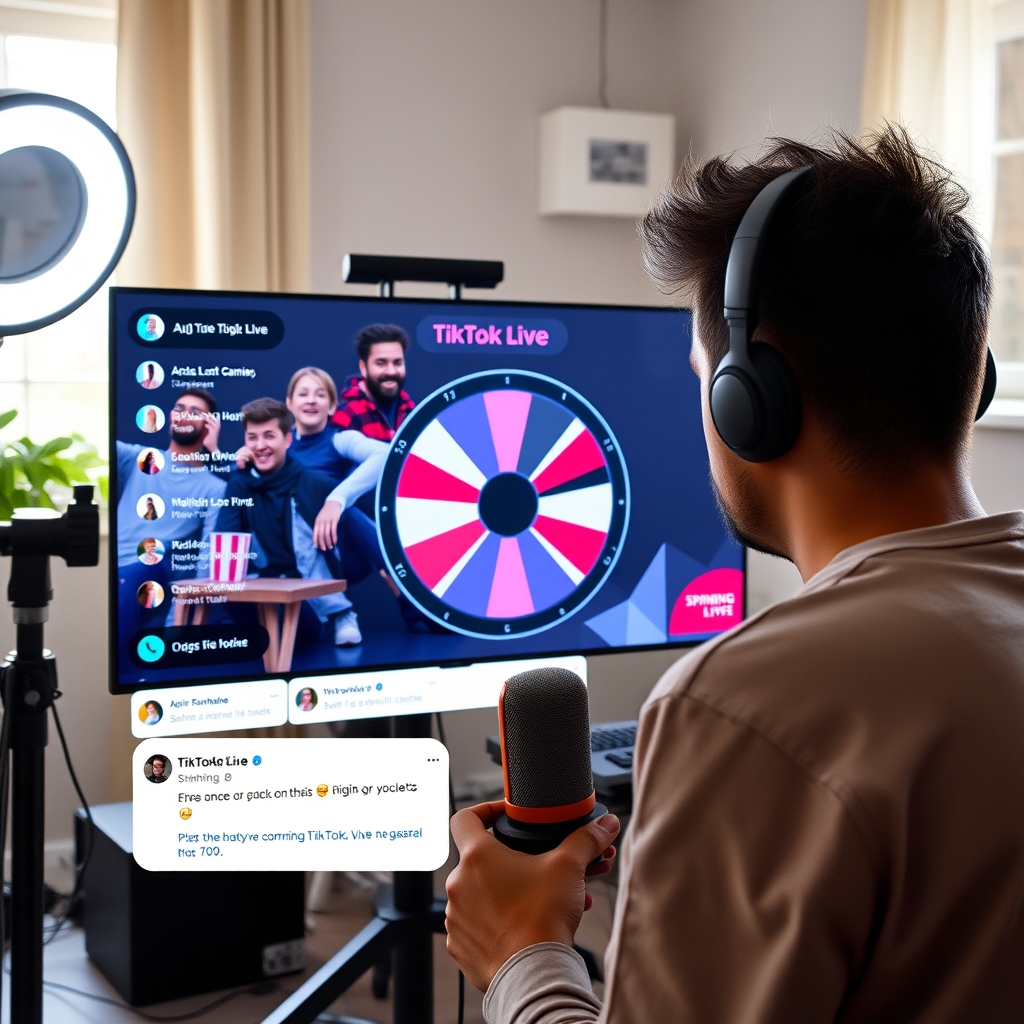
Viewer participation on TikTok Live goes beyond emojis and hearts when you layer in comment-controlled games. These games listen to your chat and turn typed words, gifts, and reactions into live gameplay that unfolds in front of everyone.
How do comment-controlled games work on TikTok Live?
Comment-controlled games run on your local device and monitor your LIVE room in real-time. The game software watches for specific triggers—keywords typed in the chat, viewer gifts, or likes—and responds instantly to each one. When a viewer sends a trigger, the game detects it and executes an action immediately, whether that is spinning a wheel, moving a character across the screen, awarding points to a leaderboard, or revealing a prize.
The game itself renders as a camera source or overlay that appears in your broadcast. Your viewers see the game react to comments and gifts as part of your stream video. This happens without viewers needing to download anything or leave TikTok. They simply type in the chat or send a gift, and the game responds on screen.
Here is how the flow works in practice. A viewer sees your game overlay and reads the rules—for example, "type SPIN to turn the wheel." They type SPIN in the chat. The game software running on your device picks up that comment, checks if it matches the trigger word, and fires the action. The wheel spins, lands on a prize, and the result displays to everyone watching. The same happens with gifts. If your game watches for a specific gift, a viewer sends it, the software detects the gift in the LIVE room data, and the game logic runs.
The game does not require TikTok's direct participation. Instead, your streaming software—often OBS or TikTok LIVE Studio—acts as the pipeline. The game tool connects to your LIVE room, pulls comment and gift data, and outputs the visual result as a camera input that your encoder broadcasts back to TikTok as video. Viewers experience it as a seamless part of the stream.
Setting this up means choosing software that handles the monitoring and game logic for you. The tool needs to read your LIVE room data in real-time, process the triggers you define, and render the output cleanly enough to stream. That is why dedicated game tools exist for this purpose—they handle the technical bridge between chat and broadcast so you can focus on hosting.
What types of games can viewers control with comments?
Comment-controlled games on TikTok Live come in three broad categories, each built on a different way viewers interact with the stream. Understanding the mechanics of each type helps you pick the right game for your audience and broadcast style.
Word-triggered games respond to specific keywords or commands that viewers type into the chat. When a viewer posts a particular word—say, "red" or "jump" or "vote"—the game registers that input and performs an action tied to that trigger. Common examples include voting systems where typing one keyword counts as a vote for Option A and another keyword counts for Option B, allowing your audience to collectively make decisions during the stream. Command-based games work similarly; viewers might type "spin" to trigger a wheel rotation, or "dice" to roll a set of numbers. These games feel immediate and direct because the viewer sees their comment and then watches the game respond to it in real time.
Gift-based games turn viewer spending into active gameplay. When someone sends a gift to you during the stream, the game detects that gift and triggers a corresponding event—a bonus, a damage multiplier in a battle, a treasure unlock, or points added to a leaderboard. Some gift games let multiple gifts stack, so if five viewers send gifts in quick succession, the effect compounds. This type creates natural excitement because gift sends already feel celebratory on TikTok Live, and the game layer amplifies that moment. Gift battles are a popular variant, where gifts sent for competing teams or players push a meter forward, and whoever reaches the goal first wins.
Chance-based games advance through wheels, dice rolls, card draws, and random number generators. The twist is that these games trigger based on comment volume—every 10 comments might spin the wheel once, or every 5 gifts might roll the dice—or they tie directly to specific gift sends. A viewer sends a gift and the wheel spins; the stream chat reaches a comment threshold and a dice roll happens. These games keep the energy flowing because there is always a chance moment coming up, and viewers know that their participation (comments or gifts) moves the needle toward the next event.
The most engaging streams often mix multiple types. You might run a gift battle (gift-based) where viewers unlock power-ups by typing "power" (word-triggered), then spin a wheel to decide what happens next (chance-based). Setting up these layered games requires software that reads your live room in real time, interprets viewer actions, and renders the game visuals back into your stream feed.
Do viewers need to download an app to play comment games on TikTok Live?
No. Viewers do not need to download any app or software to participate in comment-controlled games on TikTok Live. They interact entirely through the standard TikTok Live chat interface that already exists in the broadcast room. When you launch a game, viewers simply type comments, send gifts, or tap reaction buttons exactly as they normally would during any TikTok Live stream.
The game itself runs on your streaming device—your computer or phone—as a visual layer. It appears on your broadcast as an overlay or on-screen element that reacts to viewer actions in real time. From the audience perspective, they see the game results displayed in your video feed, but they are not installing anything or opening a separate application. The entire experience happens within TikTok's native interface.
Here is how it works in practice. A viewer types a comment like "red" or "jump." The game software monitoring your LIVE room detects that comment instantly and processes it according to the game rules. The result—a character moving, a score updating, a leaderboard shifting—appears as part of your broadcast video. The viewer sees the game respond to their input with zero friction and zero setup required on their end.
This frictionless approach is what makes comment-controlled games practical for streamer engagement. Because there is no barrier to entry, casual viewers in your chat can start playing immediately. They do not need to remember a link, create an account somewhere else, or troubleshoot app permissions. They just participate through TikTok itself.
If you want to run these games on your own streams, you will need software on your side—something like OBS integration or TikTok Live Studio setup—but that is streamer infrastructure, not viewer infrastructure. Your audience experiences only seamless, in-app interaction.
What software lets you add comment games to TikTok Live streams?
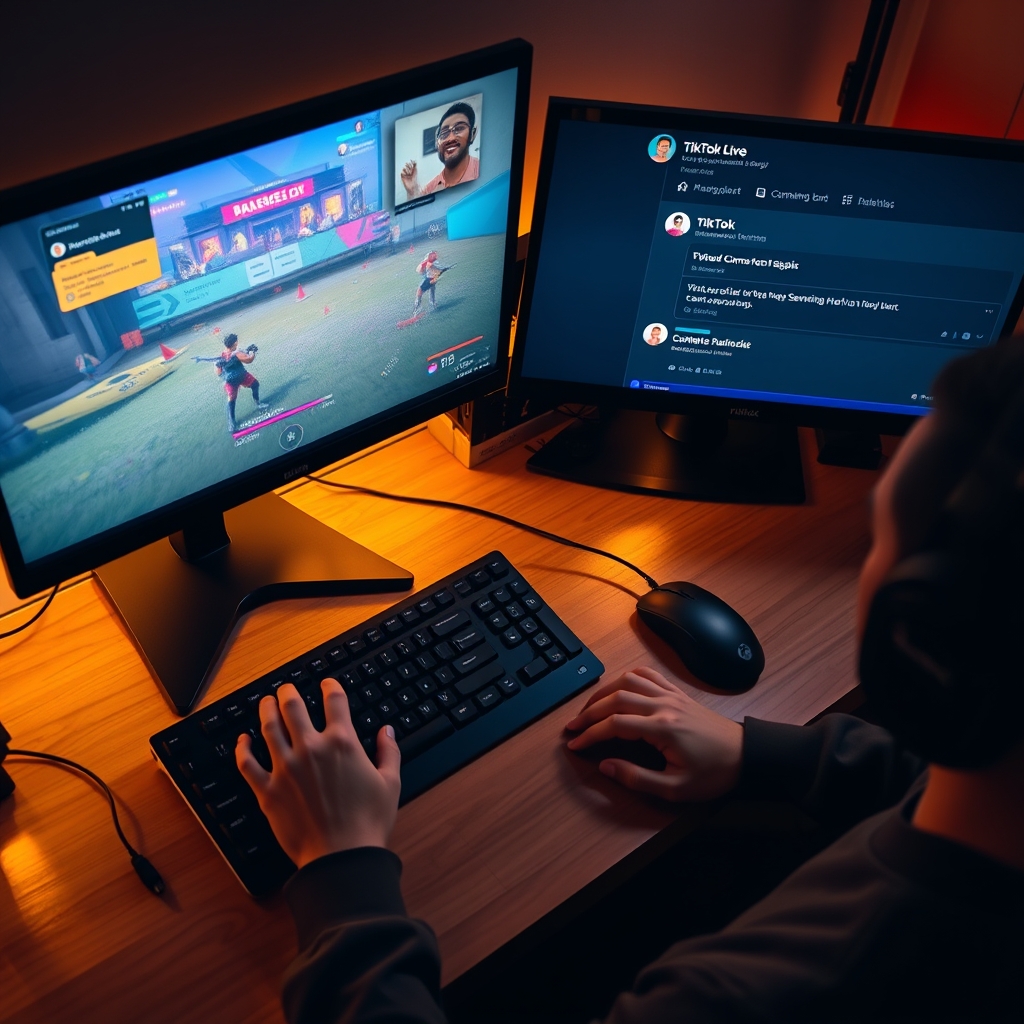
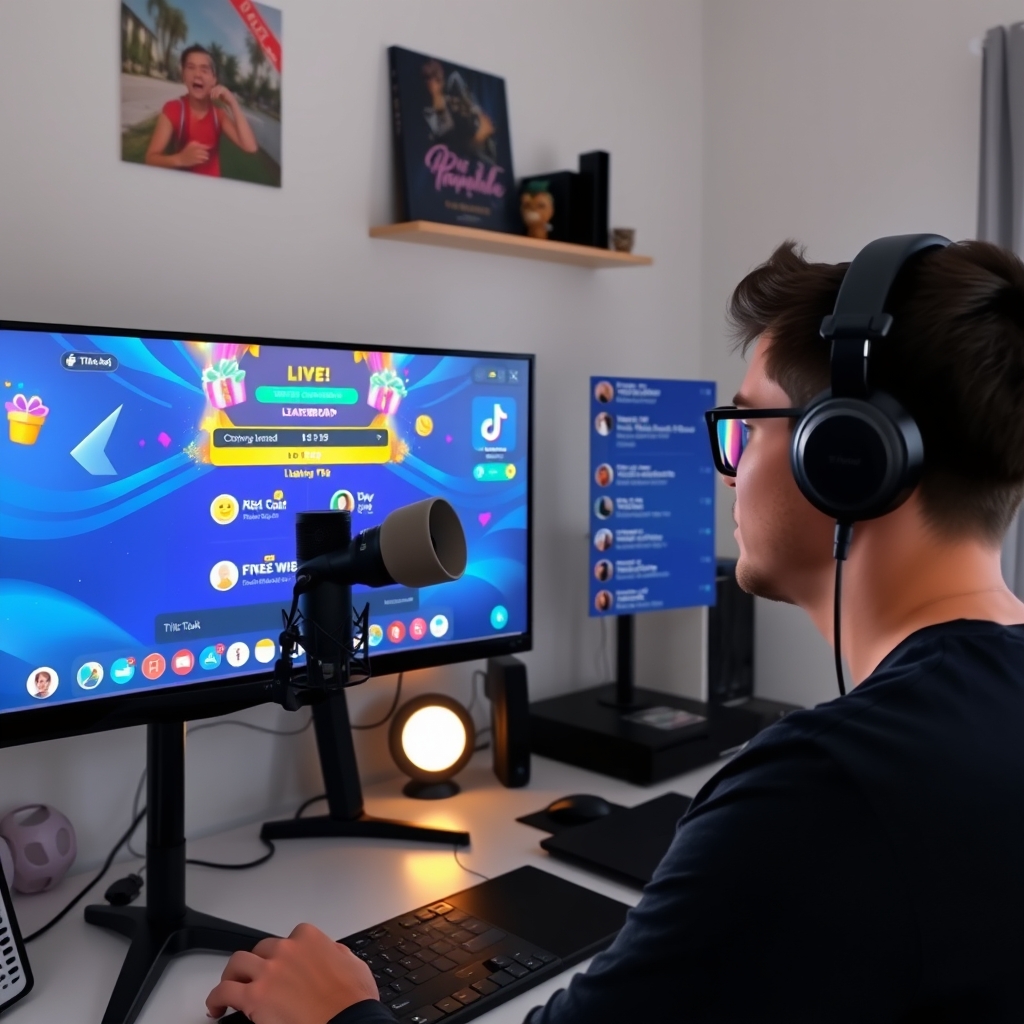
Interactive LIVE game tools are designed to bridge the gap between your streaming setup and viewer participation. These applications work by reading your LIVE room in real time, detecting comments, likes, and gifts, then translating that activity into game logic and visual overlays. Since TikTok does not host third-party games directly within the platform, these tools operate on your local device as a camera source or streaming layer, feeding the game output into your stream.
The most common approach uses software that integrates with your streaming encoder or virtual camera setup. Tools like these connect to your LIVE room through TikTok's room data, monitor incoming interactions, and render game graphics or updates that your audience sees as part of your video feed. The game runs on your own server or local machine, not on TikTok's infrastructure, which gives you full control over game logic, timing, and customization.
Setup involves three basic steps. First, you authorize the tool to access your LIVE room so it can read comments and detect gifts in real time. Second, you configure the game rules, visual style, and which viewer actions trigger which game events. Third, you add the tool's output as a video source in your streaming software—such as OBS—or use a virtual camera that appears in your TikTok LIVE settings. Setting up a game overlay with OBS is a straightforward process once you have the tool configured.
Different tools offer different feature sets. Some focus on simple comment-based mini-games like spin wheels or guessing challenges. Others provide leaderboards, gift battles, and event-triggered reactions. The best choice depends on your stream style, the type of engagement you want, and how much customization you need. Most tools require no additional downloads from your viewers—they simply see the game on your stream like any other visual element.
When selecting software, consider whether it supports the specific interactions you want to monetize or feature. Some tools are built to highlight gift activity with visual rewards or on-screen recognition, which can encourage participation without requiring viewers to learn new commands or mechanics.
Can comment games help with viewer engagement on TikTok Live?
Comment-controlled games shift viewers from passive watching to active participation. Instead of simply scrolling through chat, your audience types commands, votes, or triggers actions that move the game forward. This intentional interaction creates a reason for people to stay focused on your stream and keep their attention on what happens next.
The mechanics work in your favor. When a game rewards comments or gifts, viewers feel directly connected to the outcome. A poll where chat votes with specific words, a race where typed commands move a character, or a battle where gift sends affect gameplay—all of these make the audience feel their presence matters. That sense of influence keeps people engaged longer than passive content alone.
Real-time game events also maintain momentum. Every few seconds, something changes on screen—a player moves, a score updates, a new challenge appears. Viewers stay alert because they know their next action could shift the result. This constant feedback loop gives them ongoing reasons to comment, react, and send gifts rather than drift away to another stream.
Beyond immediate engagement, comment games create natural moments for monetization. A viewer who types a command to move their character is already thinking about the game; showing them a gift option that affects gameplay is a smoother ask than interrupting passive viewing with a donation request. Games that tie gifts to power-ups, extra points, or special abilities make support feel like part of the experience rather than a transaction.
Setting up these games requires software that bridges your stream and the game logic. Tools like TikGami read your live chat in real time, process viewer comments as game input, and render the results as a video layer you broadcast. Your viewers see everything happen naturally within your stream—no downloads, no switching tabs, no friction. They simply type and watch their interaction play out.
Turn those gifts into a game on screen
TikGami turns comments, likes and gifts into games your viewers control live. Free for macOS and Windows.
Get TikGami freeQuick answers
What is a comment-controlled game on TikTok Live?
A comment-controlled game is an interactive game that reads and reacts to viewer comments, likes, and gifts in real-time during your TikTok Live stream. The game software monitors your LIVE room, detects when viewers type specific words or send gifts, and instantly triggers game events like spins, point awards, or character movement. Viewers play by typing naturally in chat or sending gifts; they do not need to download anything or leave TikTok.
How does the game know what comments to react to?
The game software connects to your TikTok LIVE room and scans incoming comments for keywords or triggers you define. You can set the game to respond to specific words, gift types, or any comment. When a viewer types a keyword or sends a gift, the software detects it instantly and executes the corresponding game action.
Can I run a comment game and stream normally at the same time?
Yes. The game runs on your device as a separate camera source or overlay layer, so it displays alongside your broadcast without interrupting your stream. You control your game through overlay software while viewers see both you and the game live.
What happens if no one comments or sends gifts during the game?
If the stream is quiet, the game pauses or continues on a default rhythm, depending on how you configure it. Some games auto-trigger on a timer so gameplay continues even without chat input; others wait for viewer action. You decide the rules when you set up the game.
Are comment games free to use on TikTok Live?
Many interactive game tools offer free or freemium versions for TikTok LIVE streamers, though advanced features or premium overlays may have a cost. Check the tool's pricing page to see what features are included at no cost and what requires a paid plan.