TikTok LIVE Studio: Access, Requirements & Setup
TikTok LIVE Studio is a desktop application that lets creators stream directly to TikTok LIVE without using a phone, available on Windows and Mac with varying account eligibility requirements. The platform requires a minimum follower count that differs by region and account age, along with a stable internet connection and compatible hardware. Understanding whether you need LIVE Studio or a standard RTMP setup helps you choose the right streaming method for your broadcast.
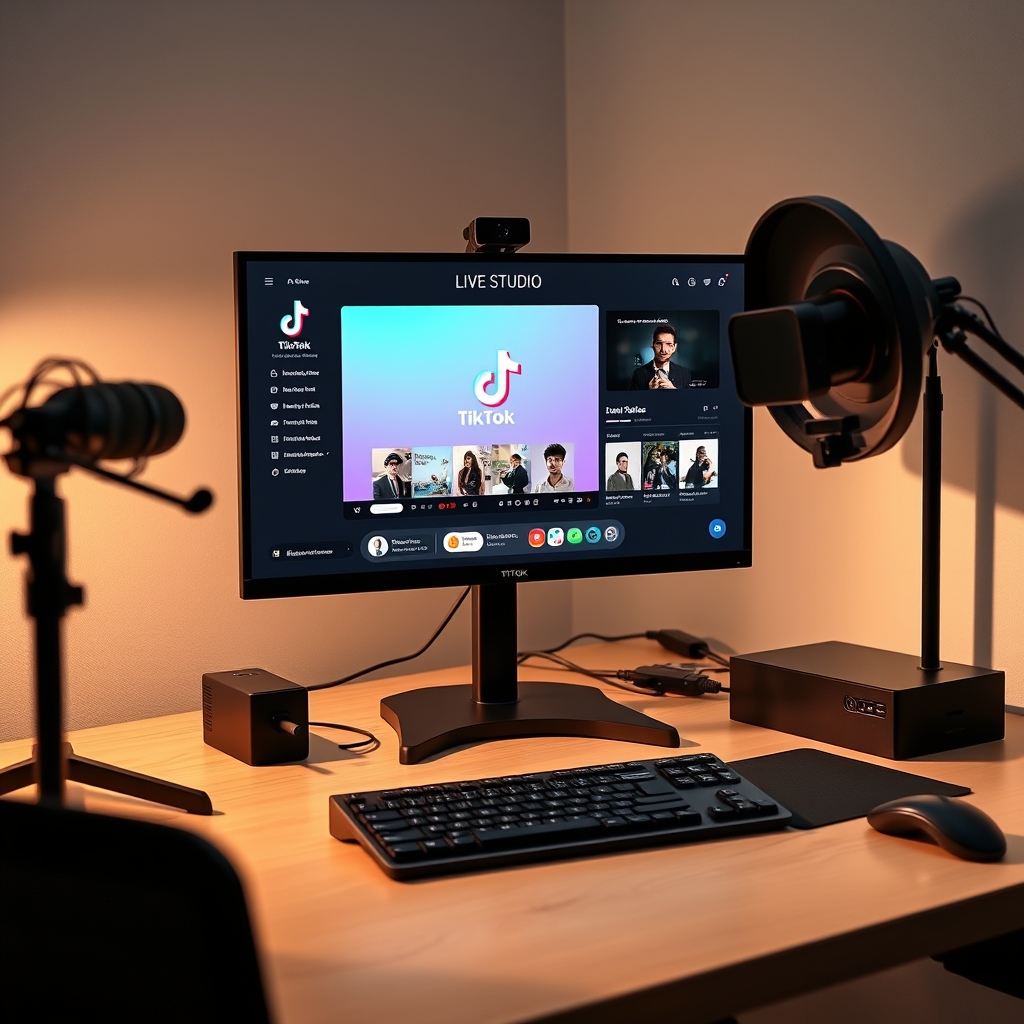
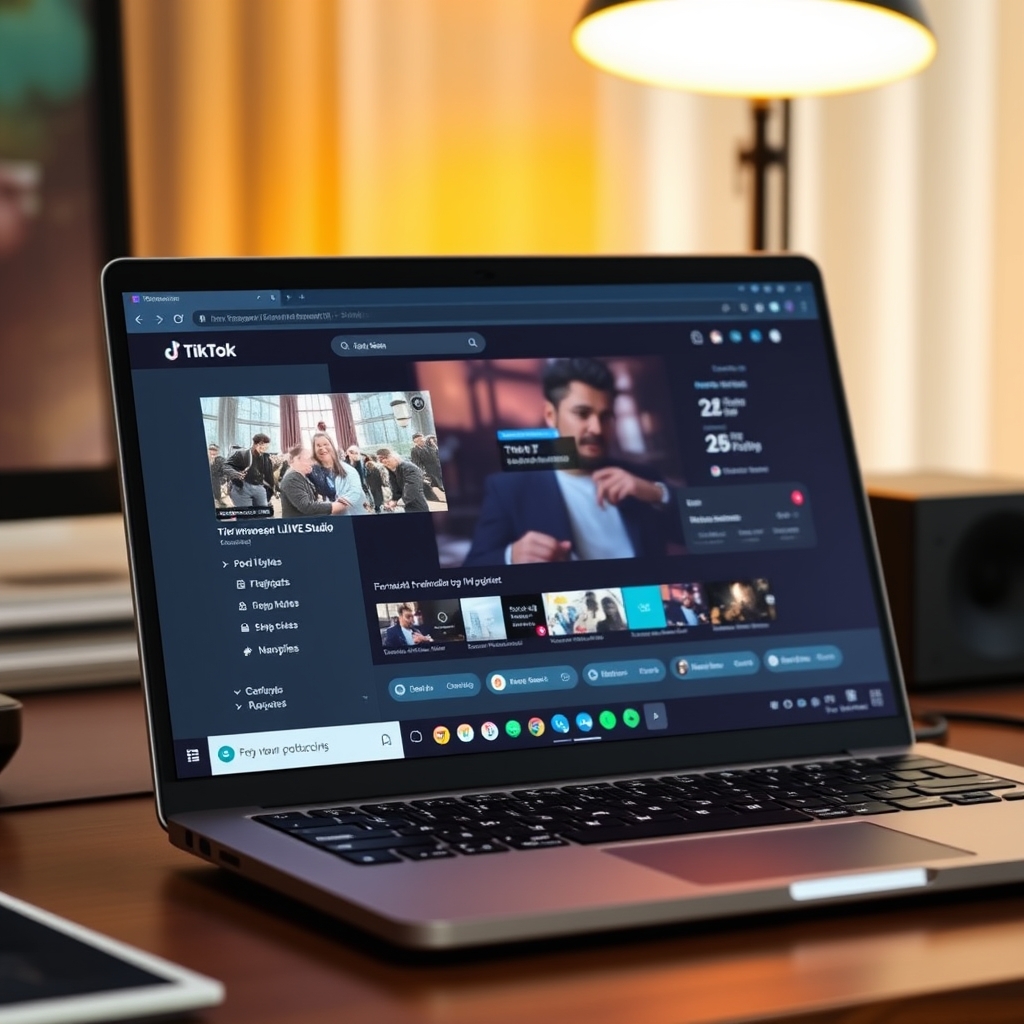
TikTok LIVE Studio is a desktop broadcasting tool designed for streamers who want to go live from a computer instead of a mobile device. It simplifies setup for creators and gives them access to more streaming options than the standard TikTok app.
How do I access TikTok LIVE Studio?
TikTok LIVE Studio is available as a desktop application for both Windows and Mac. The first step is to download the software from the official TikTok LIVE Studio website. Make sure you are downloading from the legitimate source to avoid security risks. Once the download is complete, install the application following the standard installation prompts for your operating system.
After installation, open TikTok LIVE Studio and sign in using your TikTok account credentials. You will need the email address or phone number associated with your TikTok account, along with your password. Two-factor authentication may be required if you have it enabled on your account, which is a security best practice.
Once you have signed in, TikTok will need to approve your access to the streaming application. This approval process can take time, especially for newly created accounts or accounts that have not previously streamed. During this waiting period, you will not be able to go live, but you can explore the app settings and familiarize yourself with the interface.
When TikTok approves your access, the application will become fully functional, and you will see it listed in your Creator Center under the Streamer tab. Some regions also offer a web version of TikTok LIVE Studio through the TikTok LIVE Studio Help Center, which provides an alternative way to stream without downloading the desktop app. Check whether your region and account type support web streaming by visiting the official help resources.
The approval timeline varies depending on your account history and region. New creators should allow several days for the system to process their request. If you have any issues accessing the application after approval, review the requirements and setup guide for going live on TikTok to ensure you meet all conditions.
Do you need 10,000 followers for TikTok LIVE Studio?
The short answer is that it depends on where you are. TikTok LIVE Studio access does not have a single global requirement. Follower minimums vary by region, and some accounts may be approved with fewer followers than others, while certain regions do enforce a 10,000-follower threshold.
In many regions, 10,000 followers is indeed a common baseline for LIVE Studio eligibility. However, this is not universal. Some creators in other regions can access LIVE Studio with lower follower counts, and TikTok occasionally updates or adjusts these thresholds. The platform treats each application individually rather than applying a rigid one-size-fits-all rule.
Beyond follower count, account age and compliance with TikTok's community guidelines play a role in approval eligibility. Your account must have been active for a reasonable period and maintain a clean standing. If your account has recent violations or strikes against it, you may not be approved regardless of follower count. TikTok reviews the full context of your account when you request access.
If you do not currently meet the requirements in your region, you can still submit an application and reapply later. As your account grows and gains more history on the platform, your chances of approval improve. Even if you are denied initially, TikTok may reconsider your eligibility if you continue to follow community guidelines and build your audience. Checking back periodically or requesting access again after a few months is a normal part of the process for many creators.
For more details on preparing your account for live streaming, see how to go live on TikTok.
What do you need for TikTok LIVE Studio?
TikTok LIVE Studio runs on your computer, so the foundation is a machine that meets the minimum system requirements. You need either a Windows PC or Mac with enough processing power and RAM to handle video encoding. Since LIVE Studio handles the encoding for you, the bar is lower than if you were running OBS Studio separately, but an older or underpowered machine may still struggle with frame drops or lag during broadcast.
A stable broadband connection is non-negotiable. Your upload speed is what matters most; streaming video requires consistent bandwidth or your stream will buffer and viewers will see quality drops. The exact speed you need depends on your desired resolution and bitrate, but a connection that fluctuates or cuts out will interrupt your broadcast and hurt viewer experience.
On the TikTok side, you must have a Creator Account, not a personal account. More importantly, TikTok gates LIVE access—your account needs to be eligible and approved by TikTok before you can go live at all. This is separate from follower count and other metrics; it is a baseline eligibility check TikTok performs.
For on-camera streaming, you need either a built-in or external webcam. If you want to share your screen or run game overlays, a virtual camera lets software output appear as a camera source. This is how tools like TikGami deliver interactive games on stream without requiring viewers to install anything.
If you prefer to use RTMP streaming instead of the LIVE Studio interface, you can route a stream key from OBS Studio or similar software into TikTok. This is optional and gives you more control over encoding, but requires that TikTok has already granted you stream key access. For most streamers, LIVE Studio itself is enough to get started.
What is the difference between TikTok LIVE and TikTok Studio?
TikTok LIVE Studio and TikTok Studio are two separate tools designed for completely different parts of the creator workflow. The names are similar, but their purposes and capabilities barely overlap. Understanding which one you need depends on whether you want to broadcast in real time or manage pre-recorded content.
TikTok LIVE Studio is specifically built for streaming live to your audience. It is a desktop application that you download and install on your computer. Once installed, it connects to your TikTok account and lets you broadcast in real time using your webcam, microphone, or external video and audio sources. Streaming through LIVE Studio requires approval from TikTok — you cannot access it immediately after creating a Creator Account. The application handles encoding and sends your stream to TikTok's servers so your followers see it live as it happens.
TikTok Studio, by contrast, is a web-based and mobile content hub for creators who want to edit, schedule, and analyze pre-recorded videos. You access it through your web browser or the mobile app without downloading anything. TikTok Studio is available to most creators with an active Creator Account — no special approval needed. Inside Studio, you can trim clips, add captions, schedule posts in advance, track analytics, and manage your content calendar. It has nothing to do with live broadcasting.
Both tools are free, but they serve entirely different purposes. LIVE Studio is for real-time streaming; Studio is for content planning and management. If you are setting up to go live, you need LIVE Studio. If you are working with recorded videos, you use Studio. For a detailed walkthrough of getting started with live streaming, see How to Go Live on TikTok: Requirements and Setup.
Can you stream on TikTok LIVE without downloading the app?
Yes, you can stream on TikTok LIVE without downloading the mobile app if your region supports the web version of TikTok LIVE Studio. This browser-based client lets you go live directly from your computer without any additional software installation. However, the availability of the web client varies by region and account status, so not all creators have access to this option.
If the web version is not available to you, an RTMP stream key offers an alternative path to desktop streaming. An RTMP key is a unique credential that lets you broadcast from professional streaming software such as OBS Studio, Streamlabs, or similar encoding tools. You connect the key to your streaming software, configure your scene and bitrate, and the output feeds into TikTok LIVE. This approach gives you more control over your layout, overlays, and technical settings than LIVE Studio alone.
Stream key access is gated by TikTok and not universally granted. Your account must meet certain eligibility criteria before TikTok issues you a key, and even then, availability depends on your region and account history. If you do have access, treat your stream key as a secret—never share it publicly or post it in comments, as anyone with that key can broadcast to your audience.
Mobile users do not face these constraints. If you are streaming from a phone or tablet, you can go live directly from the TikTok app without downloading any separate tool. Simply open the app, navigate to the LIVE section, and start streaming; the mobile experience is built in.
For desktop streaming, your options narrow to three paths: use TikTok LIVE Studio if your region supports it, use the web client if available to you, or obtain an RTMP stream key and use external software. None of these require you to download the TikTok mobile app itself, but each has different regional and account-level gates. If you are building a multi-game LIVE setup—for instance, running interactive games alongside your broadcast—tools like TikGami let you layer game overlays on top of your stream through a virtual camera, which then feeds into any of these broadcast methods.
Turn those gifts into a game on screen
TikGami turns comments, likes and gifts into games your viewers control live. Free for macOS and Windows.
Get TikGami freeQuick answers
Is TikTok LIVE Studio free to use?
Yes, TikTok LIVE Studio is completely free to download and use. You only pay for any third-party tools or services you add to your setup, such as stream overlays or premium obs plugins. Streaming itself and viewers sending gifts incurs no cost to you as the creator.
How long does TikTok LIVE Studio approval take?
Approval timing varies and TikTok does not publish a standard processing time. Some accounts are approved within days; others wait weeks. You can check your status in the Creator Center and reapply if initially denied. Follow community guidelines and maintain a consistent posting history to improve your chances.
Can you use TikTok LIVE Studio on Mac?
Yes, TikTok LIVE Studio is available for Mac. Download the macOS version from the official TikTok LIVE Studio website and follow the same sign-in process as Windows. System requirements and internet speed recommendations are similar across both platforms.
What is the minimum internet speed for TikTok LIVE Studio?
Stable upload speed matters more than download speed. Most streamers use between 5 to 10 Mbps upload speed for reliable 720p or 1080p broadcasts. Lower speeds work but may cause buffering or dropped frames. Test your connection before going live to ensure stability.
What is the resolution for TikTok LIVE Studio?
TikTok LIVE is portrait format at 1080x1920 resolution. LIVE Studio handles this automatically when you configure your scene. Your source video, whether webcam or screen, is scaled to fit portrait, so plan your graphics and overlays accordingly.