TikTok Live Studio Overlay
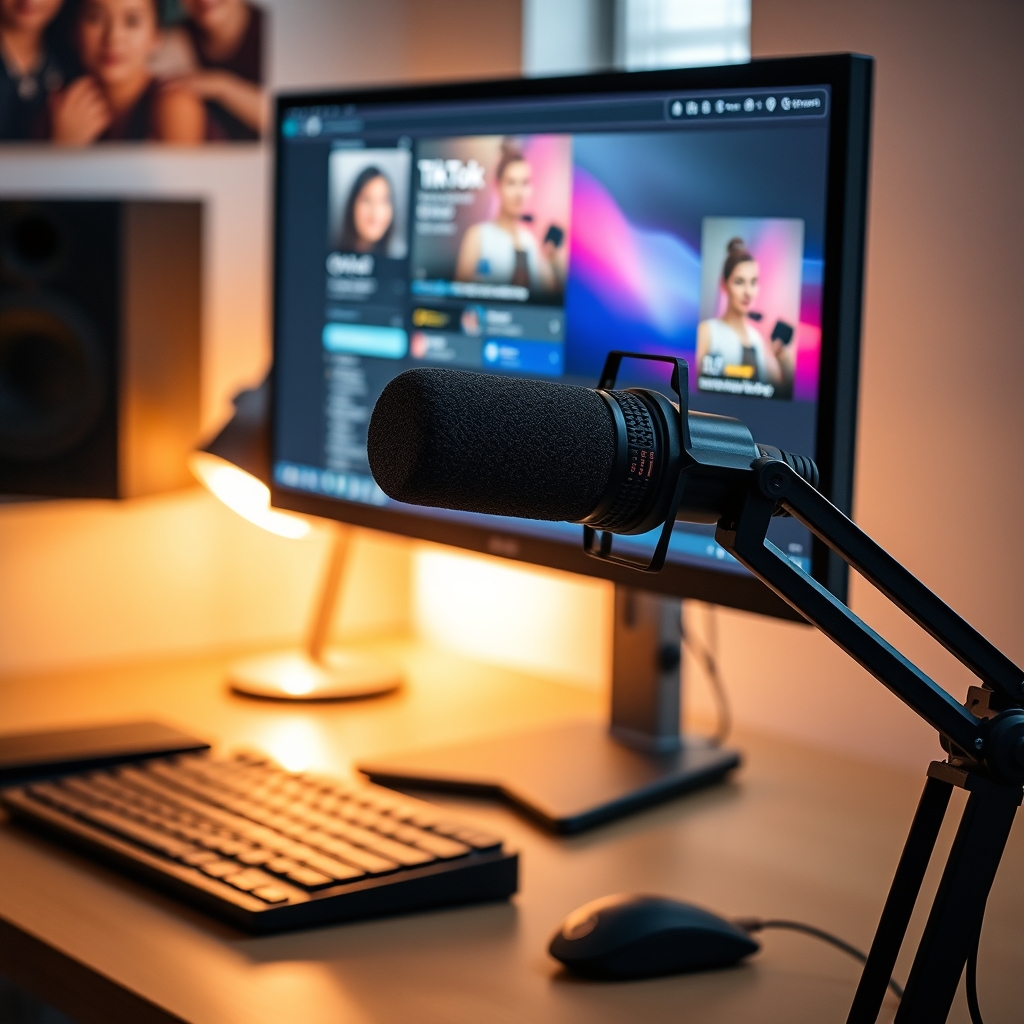
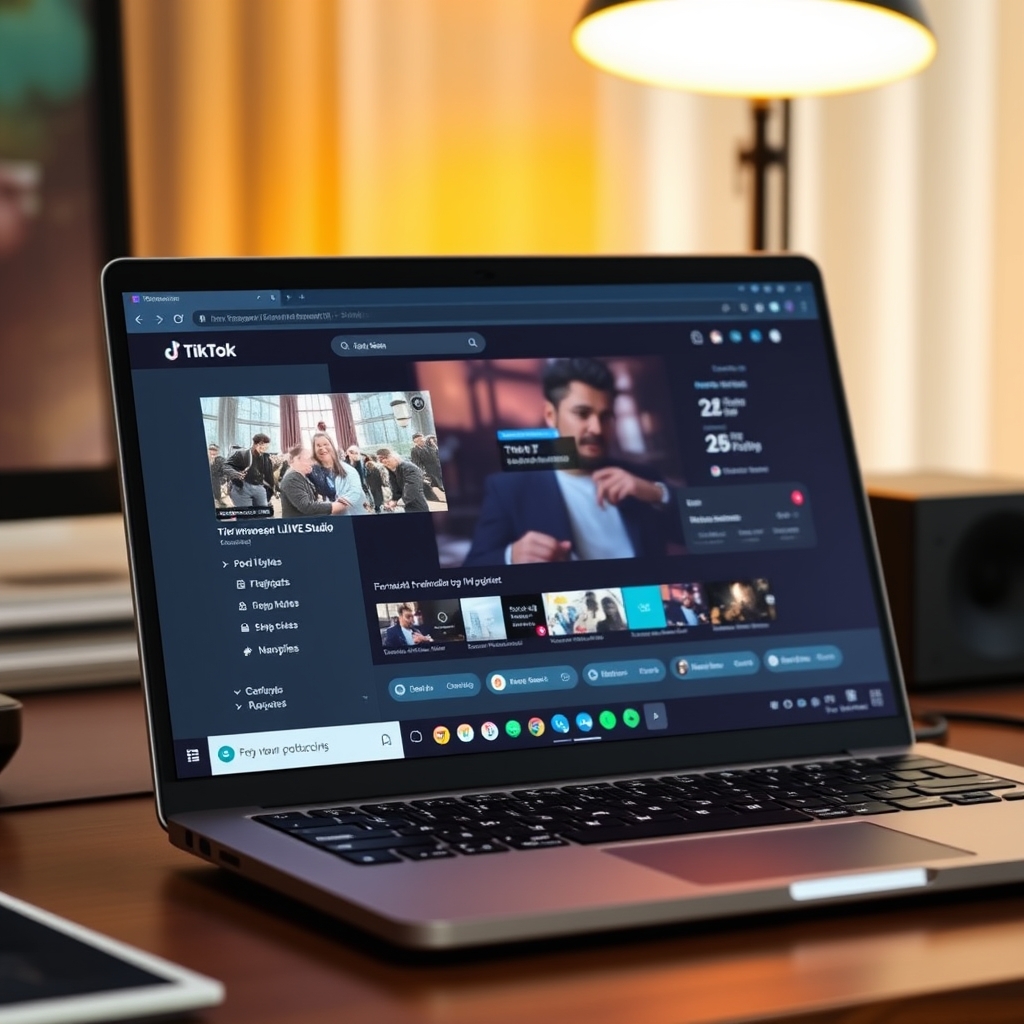
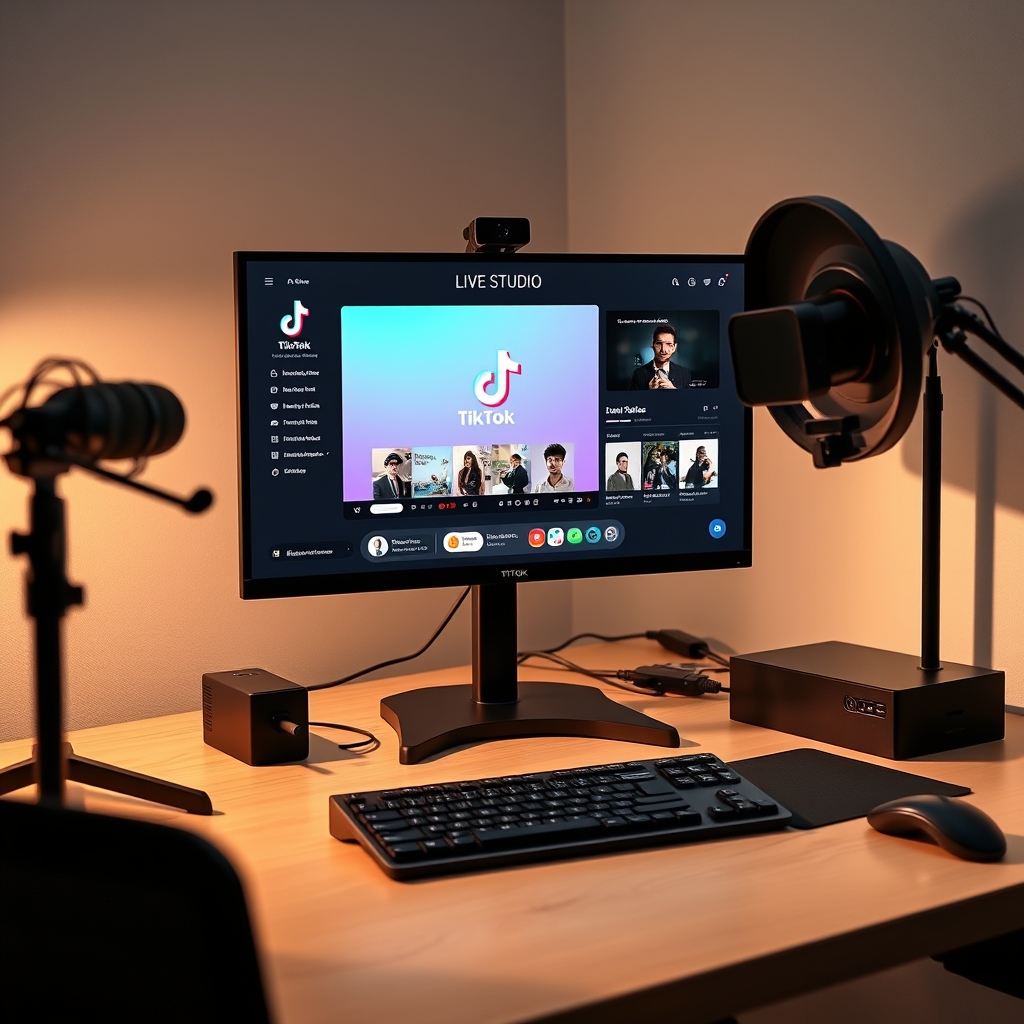
TikTok Live Studio overlay enhances live streams with custom templates and graphics. Creators can add interactive elements like polls, quizzes, and games to increase engagement. Custom overlays require setup and installation of TikTok Live Studio software.
TikTok Live Studio overlay is a powerful tool for creators to enhance their live streams. With custom templates and graphics, you can make your streams more engaging and professional-looking.
What is TikTok Live Studio Overlay?
TikTok Live Studio Overlay is a feature in TikTok Live Studio that allows creators to add custom graphics and templates to their live streams. This feature enhances live stream engagement by providing a more interactive and immersive experience for viewers. With TikTok Live Studio Overlay, creators can add overlays such as polls, quizzes, and games to their live streams, making them more engaging and fun to watch.
The overlay feature is easy to use and can be customized to fit the creator's brand and style. Creators can choose from a variety of templates and graphics, or they can create their own custom overlays using third-party software. This feature is particularly useful for creators who want to increase audience participation and engagement during their live streams.
Some of the benefits of using TikTok Live Studio Overlay include increased audience engagement, improved brand awareness, and enhanced live stream production quality. By using custom overlays, creators can make their live streams stand out and provide a more unique and engaging experience for their viewers. For more information on how to set up and use TikTok Live Studio, check out our guide on TikTok LIVE Studio: Access, Requirements & Setup.
In addition to the benefits mentioned above, TikTok Live Studio Overlay also provides creators with a range of tools and features to help them create high-quality live streams. These tools include support for multiple camera angles, live streaming in 1080x1920 resolution, and the ability to add virtual cameras and scenes. By using these tools and features, creators can produce high-quality live streams that are engaging, interactive, and fun to watch.
Overall, TikTok Live Studio Overlay is a powerful feature that can help creators take their live streams to the next level. By providing a range of tools and features to enhance live stream engagement and production quality, this feature can help creators build a stronger connection with their audience and increase their online presence.
How to Set Up TikTok Live Studio Overlay
To set up a TikTok Live Studio overlay, you'll need to start by downloading and installing TikTok Live Studio. This software allows you to create and customize your own overlays, giving you more control over the look and feel of your live streams. Once you have TikTok Live Studio installed, you can create or upload custom templates and graphics to use as your overlay. You can find a variety of TikTok Live Overlay Templates online to help get you started.
Next, you'll need to configure your overlay settings. This includes choosing the layout, colors, and fonts you want to use, as well as adding any graphics or images you want to include. You can also use TikTok Live Studio to add interactive elements to your overlay, such as polls, quizzes, and games. To learn more about setting up TikTok Live Studio, check out our guide on TikTok LIVE Studio: Access, Requirements & Setup.
Here are some steps to follow when configuring your overlay settings:
- Choose a template or create your own custom design
- Upload your graphics and images
- Configure your layout and design settings
- Add interactive elements, such as polls or quizzes
- Preview and test your overlay to make sure it looks and works as expected
By following these steps and using TikTok Live Studio to create and customize your overlay, you can enhance the viewing experience for your audience and make your live streams more engaging and interactive. With a little practice and experimentation, you can create a unique and professional-looking overlay that reflects your brand and style.
Free and Paid TikTok Live Studio Overlay Options
When it comes to customizing your TikTok Live streams, overlays can play a crucial role in enhancing the visual appeal and engagement of your content. Fortunately, there are various free and paid TikTok Live Studio overlay options available, catering to different needs and preferences. Free templates and graphics can be found online, providing a basic yet effective way to personalize your streams. These free options often include pre-designed templates, animations, and graphics that can be easily integrated into your TikTok Live Studio setup.
On the other hand, paid options offer more advanced features and customization possibilities. These paid overlays can provide a more professional and polished look, allowing you to tailor your streams to your brand's unique style and identity. With paid options, you can enjoy benefits such as customizable templates, advanced animations, and integrated branding elements. Some popular paid overlay options include premium template marketplaces, graphic design services, and dedicated streaming software.
To choose the best overlay option for your needs, consider your streaming goals, target audience, and personal preferences. If you're just starting out or have limited budget, free templates and graphics can be a great starting point. However, if you're looking to establish a strong brand presence or require more advanced features, paid options may be the better choice. You can explore TikTok Live Overlay Templates to find inspiration and ideas for your streams.
Ultimately, the key to selecting the right overlay option is to experiment and find what works best for you. Don't be afraid to try out different free and paid options, and adjust your approach as you gain more experience and feedback from your audience. By leveraging the right overlay option, you can take your TikTok Live streams to the next level, increase engagement, and build a loyal following.
Tips for Creating Effective TikTok Live Studio Overlays
Creating effective TikTok Live Studio overlays is crucial to enhance the visual appeal of your live streams and engage your audience. To achieve this, it's essential to keep your overlays simple and consistent. Avoid cluttering your screen with too much information or complicated graphics, as this can be distracting and take away from the main content of your stream. Instead, focus on using a clean and minimalistic design that complements your brand and style.
Using high-quality graphics and templates is also vital to creating effective overlays. You can find a wide range of TikTok Live Overlay Templates online, or create your own using design software. When selecting templates, make sure they are compatible with TikTok Live Studio and can be easily customized to fit your needs. Additionally, experiment with different designs and layouts to find what works best for your stream. Consider using bold and bright colors to grab the attention of your viewers, or subtle and pastel colors to create a more relaxed atmosphere.
When designing your overlays, consider the following tips:
- Use a consistent color scheme and font style throughout your overlays to create a cohesive look.
- Make sure your overlays are easy to read and understand, even on smaller screens.
- Use animations and transitions sparingly, as they can be distracting and slow down your stream.
- Test your overlays before going live to ensure they are working correctly and look good on different devices.
By following these tips and experimenting with different designs and layouts, you can create effective TikTok Live Studio overlays that enhance the visual appeal of your streams and engage your audience. Remember to keep it simple, use high-quality graphics and templates, and have fun with the design process.
Common Mistakes to Avoid When Using TikTok Live Studio Overlay
When using TikTok Live Studio Overlay, there are several common mistakes that streamers should avoid to ensure a smooth and engaging live streaming experience. One of the most significant mistakes is overusing graphics and templates. While these elements can enhance the visual appeal of a live stream, too many of them can be distracting and overwhelming for viewers. Streamers should strike a balance between using graphics and templates to add visual interest and keeping the focus on the main content of the live stream.
Another mistake is not testing overlay settings before going live. This can lead to technical issues, such as incorrect font sizes, misplaced graphics, or poor video quality, which can detract from the overall viewing experience. Streamers should always test their overlay settings before going live to ensure that everything is working as expected. Additionally, not considering audience preferences and feedback is also a common mistake. Streamers should engage with their audience, ask for feedback, and adjust their overlay settings accordingly to create a more interactive and engaging experience.
Some other mistakes to avoid include using low-quality graphics, not optimizing overlay settings for different devices and screen sizes, and not keeping the overlay up-to-date with the latest features and updates. By avoiding these mistakes, streamers can create a more professional and engaging live streaming experience that will keep their audience coming back for more. For more information on setting up TikTok Live Studio, check out our guide on TikTok LIVE Studio: Access, Requirements & Setup.
Finally, streamers should remember that the key to a successful live stream is to be flexible and adaptable. Things don't always go as planned, and being able to think on your feet and adjust to changing circumstances is crucial. With the help of tools like TikGami, streamers can create a more interactive and engaging experience for their audience, and with practice and experience, they can become more confident and proficient in using TikTok Live Studio Overlay to create high-quality live streams.
Turn those gifts into a game on screen
TikGami turns comments, likes and gifts into games your viewers control live. Free for macOS and Windows.
Get TikGami freeQuick answers
What is the purpose of TikTok Live Studio overlay?
The purpose of TikTok Live Studio overlay is to enhance live streams with custom graphics and templates, making them more engaging and professional-looking.
How do I set up TikTok Live Studio overlay?
To set up TikTok Live Studio overlay, download and install TikTok Live Studio, create or upload custom templates and graphics, and configure overlay settings.
Are there free TikTok Live Studio overlay options available?
Yes, there are free TikTok Live Studio overlay options available online, including templates and graphics.
Can I customize my TikTok Live Studio overlay?
Yes, you can customize your TikTok Live Studio overlay with paid options that offer more features and customization.
What are some common mistakes to avoid when using TikTok Live Studio overlay?
Common mistakes to avoid include overusing graphics and templates, not testing overlay settings before going live, and not considering audience preferences and feedback.