TikTok Live Overlay Templates
TikTok live overlay templates are designs that can be added to live streams. They can be downloaded for free or purchased from marketplaces. To use them, streamers need to install them in TikTok Live Studio.

TikTok live overlay templates can elevate the production value of your live streams. With various designs available, you can choose the one that fits your brand and style.
What are TikTok Live Overlay Templates?
TikTok Live Overlay Templates are designs that can be added to live streams to enhance the visual experience for viewers. These templates can be free or premium and are available for download from various sources. They can include a range of elements such as graphics, text, and animations, and can be customized to fit the style and theme of the live stream.
One of the key benefits of using TikTok Live Overlay Templates is that they can help to create a more professional and engaging live stream. They can be used to add branding elements, such as logos and color schemes, and can also be used to display important information, such as the streamer's name and the topic of the stream. Additionally, overlays can be used to create interactive elements, such as polls and quizzes, which can help to increase viewer engagement.
There are many different types of TikTok Live Overlay Templates available, including templates for gaming streams, music streams, and talk shows. Some popular types of overlays include:
- Lower thirds: These are graphics that appear at the bottom of the screen and typically include the streamer's name and title.
- Overlays: These are graphics that appear on top of the live stream and can include elements such as logos, text, and animations.
- Transitions: These are animations that are used to transition between different scenes or segments of the live stream.
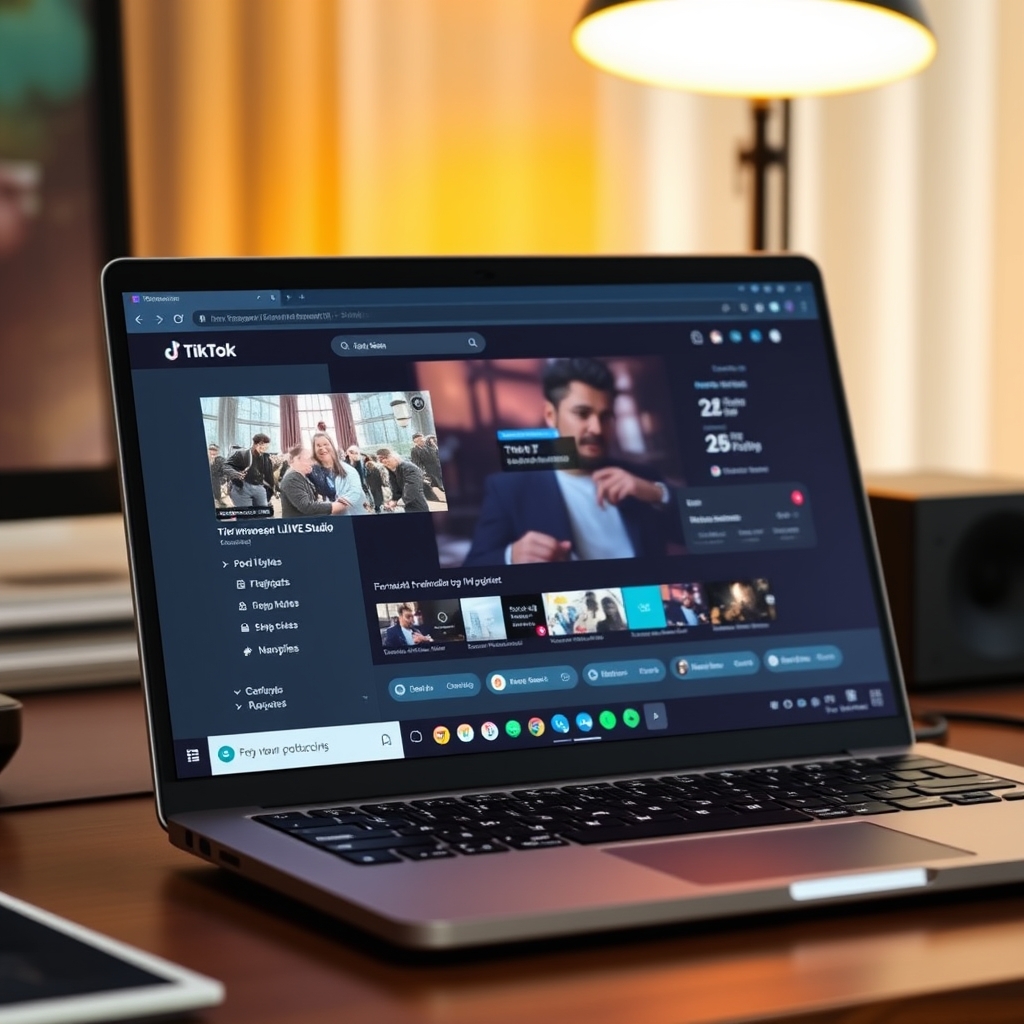
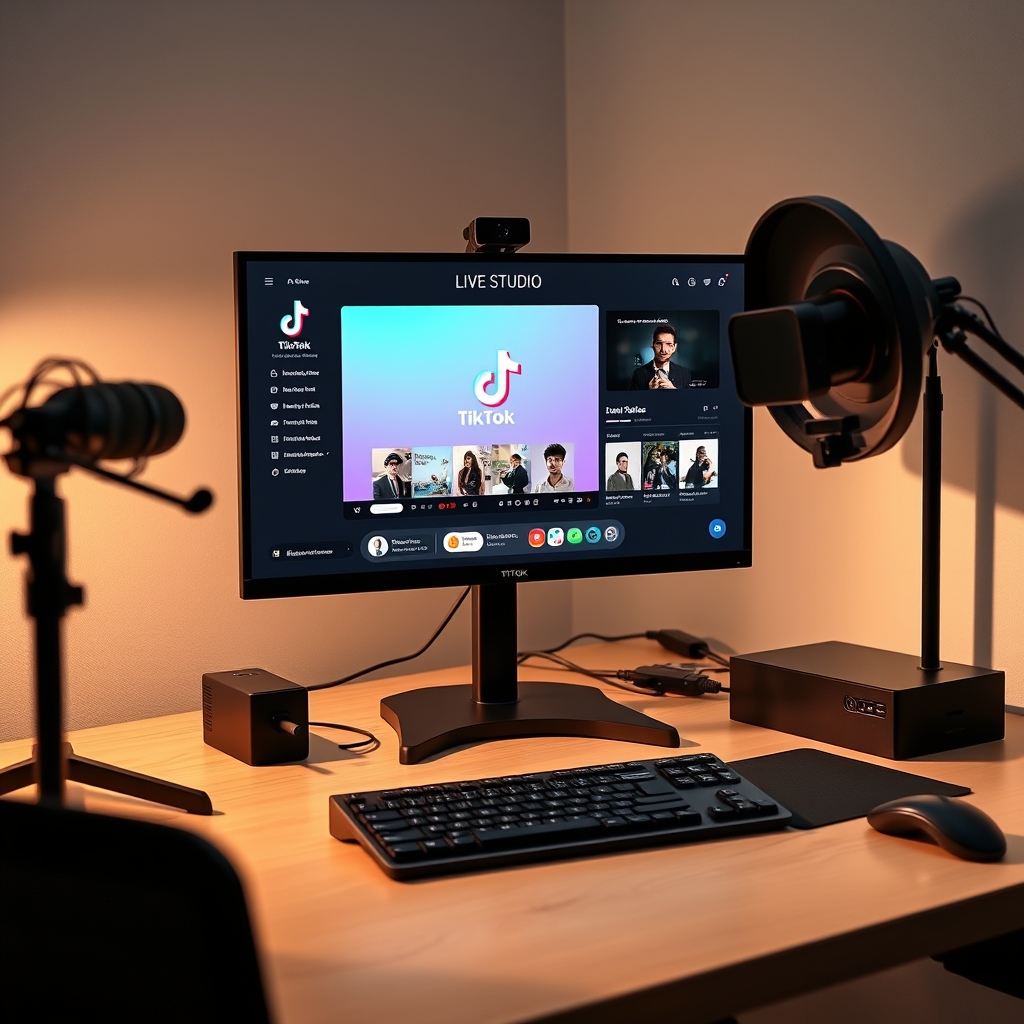
To use TikTok Live Overlay Templates, streamers will need to have access to a computer and a streaming software, such as TikTok LIVE Studio. They will also need to have a stable internet connection and a webcam or other video capture device. With the right equipment and software, streamers can easily add overlays to their live streams and create a more engaging and professional experience for their viewers.
In addition to enhancing the visual experience, TikTok Live Overlay Templates can also help to increase viewer engagement and interaction. By using overlays to display important information and create interactive elements, streamers can encourage viewers to participate in the live stream and engage with the content. This can help to build a loyal community of viewers and increase the overall success of the live stream.
How to Use TikTok Live Overlay Templates
To use TikTok live overlay templates, you first need to install them in TikTok Live Studio. This can be done by accessing the studio and uploading your desired template. If you're new to TikTok Live Studio, you can learn more about setting it up and its requirements through our guide at TikTok LIVE Studio: Access, Requirements & Setup.
Once your template is installed, you can customize it to fit your brand. This includes changing colors, adding logos, and modifying text to match your style. Customization is key to making your live streams stand out and reflect your personality or brand identity. You can use strong, bold fonts to highlight important information or emphasize certain aspects of your stream.
After customizing your template, you can use it to enhance your live streams. TikTok live overlay templates can include features such as live viewer counts, donation trackers, and social media links. These features can help engage your audience and encourage them to participate in your streams. For example, you can use a live viewer count to show how many people are watching your stream, or a donation tracker to display the total amount of donations you've received.
Some popular features of TikTok live overlay templates include:
- Customizable layouts and designs
- Real-time updates for live viewer counts and donations
- Integration with social media platforms
- Support for multiple languages
By using TikTok live overlay templates, you can take your live streams to the next level and provide a more engaging experience for your viewers. Whether you're a gamer, a musician, or just a casual streamer, these templates can help you build a stronger connection with your audience and grow your online presence.
Benefits of Using TikTok Live Overlay Templates
Using TikTok live overlay templates can significantly elevate the production value of your live streams. A well-designed overlay can add a professional touch to your streams, making them more engaging and visually appealing to your audience. With a template, you can easily add graphics, text, and other elements to your stream, creating a cohesive and polished look that reflects your brand's identity.
Another benefit of using TikTok live overlay templates is that they can increase audience engagement. By incorporating interactive elements, such as polls, quizzes, and games, into your overlay, you can encourage viewers to participate and interact with your stream. This can help to build a sense of community and foster a more immersive experience for your audience. Additionally, overlays can be used to display important information, such as links to your social media profiles or upcoming events, making it easy for viewers to stay connected with you.
Furthermore, TikTok live overlay templates can enhance brand recognition by allowing you to consistently apply your brand's visual identity to your streams. By using a template that incorporates your brand's colors, logos, and typography, you can create a recognizable and cohesive visual style that reinforces your brand's message and values. This can be especially important for businesses and organizations looking to establish a strong brand presence on TikTok.
Some of the key benefits of using TikTok live overlay templates include:
- Increased production value and professionalism
- Improved audience engagement and interaction
- Enhanced brand recognition and consistency
- Easier to add graphics, text, and other elements to your stream
- Ability to display important information, such as links and upcoming events
Free vs Premium TikTok Live Overlay Templates
When it comes to choosing a TikTok live overlay template, creators have two main options: free and premium. Free templates are available for those who want to try out overlay templates without committing to a paid subscription. These templates usually have basic features and designs, but they can still be effective in enhancing the live streaming experience.
Premium templates, on the other hand, offer more advanced features and customization options. They often include multiple design elements, such as animations, transitions, and interactive elements, which can help creators to engage their audience and build their brand. Premium templates also tend to have more flexibility in terms of customization, allowing creators to tailor the template to their specific needs and style.
To choose between free and premium templates, creators should consider their specific needs and goals. If they are just starting out or want to try out overlay templates without committing to a paid subscription, free templates may be a good option. However, if they want more advanced features and customization options, premium templates may be worth the investment. It's also worth considering the level of support and updates provided by the template provider, as well as the compatibility with different streaming software and hardware.
Some popular streaming software that support overlay templates include TikTok LIVE Studio, OBS Studio, and XSplit. These software programs allow creators to easily add and customize overlay templates, as well as manage other aspects of their live stream, such as video quality, audio settings, and chat interactions. By choosing the right template and software, creators can enhance their live streaming experience and build a stronger connection with their audience.
How to Create Your Own TikTok Live Overlay Template
To create your own TikTok live overlay template, you can use a design tool such as Adobe Creative Cloud or Canva. These tools offer a wide range of templates and design elements that you can use to create a custom overlay that fits your brand. You can choose a pre-made template and customize it to fit your needs, or start from scratch and create your own design.
When creating your own overlay template, there are several things to consider. First, you'll want to choose a design that is visually appealing and easy to read. You'll also want to make sure that your overlay is optimized for mobile devices, as most TikTok users access the app on their smartphones. Additionally, you'll want to consider the size and resolution of your overlay, as well as the file type and format that you'll use to upload it to TikTok.
Some popular design elements to include in your overlay template are logos, graphics, and text overlays. You can also add animations and effects to make your overlay more engaging and interactive. To get started, you can use a tool like TikTok LIVE Studio to access the platform's live streaming features and customize your overlay template.
Here are some steps to follow when creating your own TikTok live overlay template:
- Choose a design tool and select a template or start from scratch
- Customize your template to fit your brand and style
- Add design elements such as logos, graphics, and text overlays
- Optimize your overlay for mobile devices and ensure it is the correct size and resolution
- Upload your overlay to TikTok and test it out
By creating your own custom overlay template, you can enhance your TikTok live streams and make them more engaging and professional. With the help of tools like TikGami, you can take your live streams to the next level and provide a unique and interactive experience for your viewers.
Turn those gifts into a game on screen
TikGami turns comments, likes and gifts into games your viewers control live. Free for macOS and Windows.
Get TikGami freeQuick answers
What is a TikTok live overlay template?
A TikTok live overlay template is a design that can be added to a live stream to enhance its production value and engagement.
How do I install a TikTok live overlay template?
To install a TikTok live overlay template, you need to download it and then install it in TikTok Live Studio. The process may vary depending on the template and your device.
Can I use a TikTok live overlay template for free?
Yes, there are free TikTok live overlay templates available for download. However, premium templates may offer more features and customization options.
How do I choose the best TikTok live overlay template for my stream?
To choose the best TikTok live overlay template for your stream, consider your brand, style, and the type of content you are streaming. You can also read reviews and watch demos to find the best fit.
Can I create my own TikTok live overlay template?
Yes, you can create your own TikTok live overlay template using a design tool. You can choose a template or start from scratch and customize it to fit your brand and style.