TikGami Blog
TikTok LIVE gifts, coins and interactive games — explained with real numbers.
Latest
- Going LIVE
How Many Followers on TikTok to Go Live: Requirements by Region
TikTok sets a follower minimum to access LIVE, but the exact number varies by region and changes over time. Check your own app's LIVE tab to see your eligibility status and any remaining requirements. If you do not qualify yet, focus on content consistency and audience engagement while you build your following.
Read more →November 10, 2026 · 8 min read - Stream setup
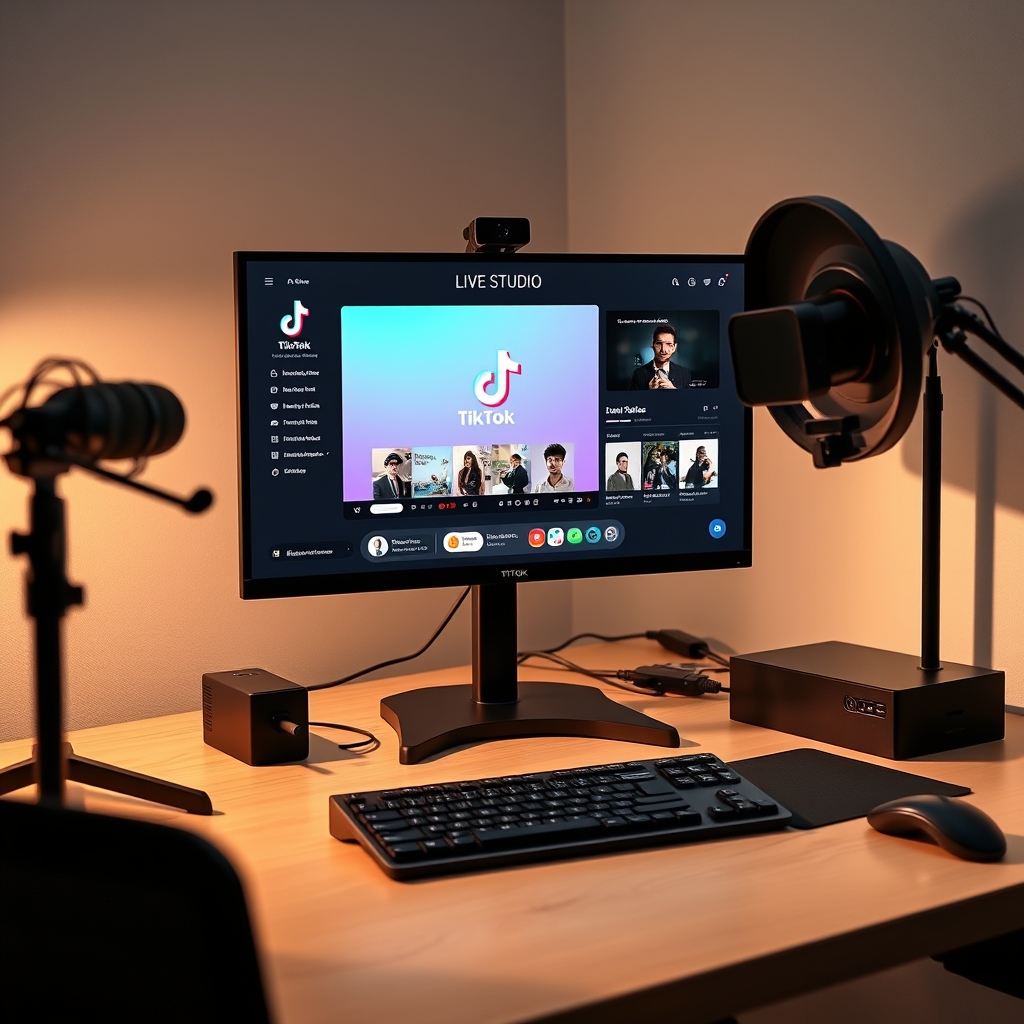
TikTok LIVE Studio: Access, Requirements & Setup
TikTok LIVE Studio is a desktop application that lets creators stream directly to TikTok LIVE without using a phone, available on Windows and Mac with varying account eligibility requirements. The platform requires a minimum follower count that differs by region and account age, along with a stable internet connection and compatible hardware. Understanding whether you need LIVE Studio or a standard RTMP setup helps you choose the right streaming method for your broadcast.
Read more →November 9, 2026 · 7 min read - Going LIVE
How to Go Live on TikTok: Requirements and Setup
Going live on TikTok requires you to meet TikTok's eligibility criteria, which include a minimum follower count and age requirement that vary by region. Once eligible, you can start a livestream directly from the LIVE icon in your feed by tapping it, selecting your audience settings, and going live. The platform allows you to stream solo or with friends, accept gifts from viewers, and manage your broadcast in real time.
Read more →November 9, 2026 · 8 min read

Turn those gifts into a game on screen
TikGami turns comments, likes and gifts into games your viewers control live. Free for macOS and Windows.
Get TikGami free